ESP32-S3
I chose the ESP32-S3 N16R8 for its balance of price, performance and power use. Its 128-bit SIMD vector instructions accelerate the INT8 operations used by the OCR model.
Component documentation
A low-cost, low-power, vision-based OCR water meter reader. A 693K-parameter neural network, DrumNet V10, runs entirely on the reader’s ESP32-S3: it finds the digit window, reads each drum, and sends the number home over LoRaWAN in about 2 seconds. The target is 99 % accuracy on a 2-year battery; the current build reads 56 % of readings correctly, with plans to improve.

Design brief
These are the design specifications the reader was designed around.
The ESP32-S3 with 8 MB of PSRAM was selected as the microcontroller, and the OV2640 with a 160° field of view was selected as the camera. Production readers send their readings over LoRaWAN; Wi-Fi is only used by the reader on the training rig.
Design brief
The camera is pointed at the water meter and takes readings on 6-hour intervals. After the reading is made on device, the numerical reading is transmitted over LoRaWAN to a database storing the readings, which the user and the utility provider can access over a dashboard. The original image is never transmitted; only the predicted reading is.
I chose the ESP32-S3 N16R8 for its balance of price, performance and power use. Its 128-bit SIMD vector instructions accelerate the INT8 operations used by the OCR model.
Component documentationVoltage regulation, battery management and protection are built into the board. Hover or select a chip below to see what it does.
The USB data lines connect directly to the ESP32-S3's built-in USB-OTG peripheral. This removes the need for a UART converter and saves board space.
Component documentationThe SHT40 measures humidity and temperature. These readings help the firmware identify conditions where the meter may fog up, so it can skip an image capture and save battery power.
Component documentationThe LEDs turn on briefly while the camera captures the meter. Short light pulses keep power use low.
I chose the OV2640 with a 160° field-of-view lens for close-up imaging. The wide lens lets the camera sit about 4 cm from the meter while keeping the whole dial in focus and in frame.
LoRaWAN provides long-range communication with low power use. Each reader sends its readings to a gateway, which relays them over the internet to the database. More gateways can extend the network as the number of readers grows.
The comparison graph uses illustrative positions, not measured prices, speed or power consumption.
Prototype V2
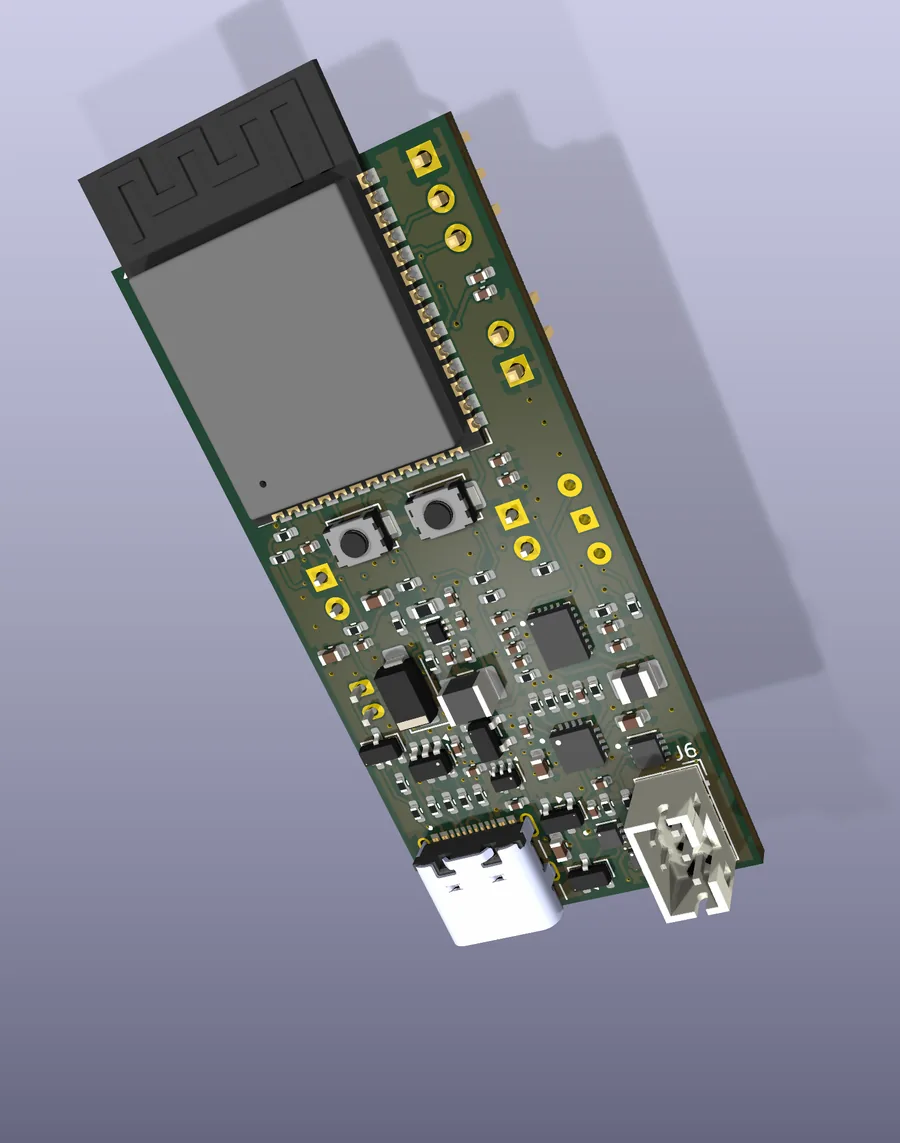
Prototype V2 is a shrunken-down version of Prototype V1. It fits in tighter spaces and let me explore smaller components like the Wio-SX1262 LoRa module from Seeed Studio. It has built-in battery management, power circuitry for the camera and fan, PWM-dimmable LED lights and a LoRa module. I designed the board in KiCad, sourced the components from DigiKey and sent it to JLCPCB for manufacturing; it is a 4-layer board. The circuits are in the report.
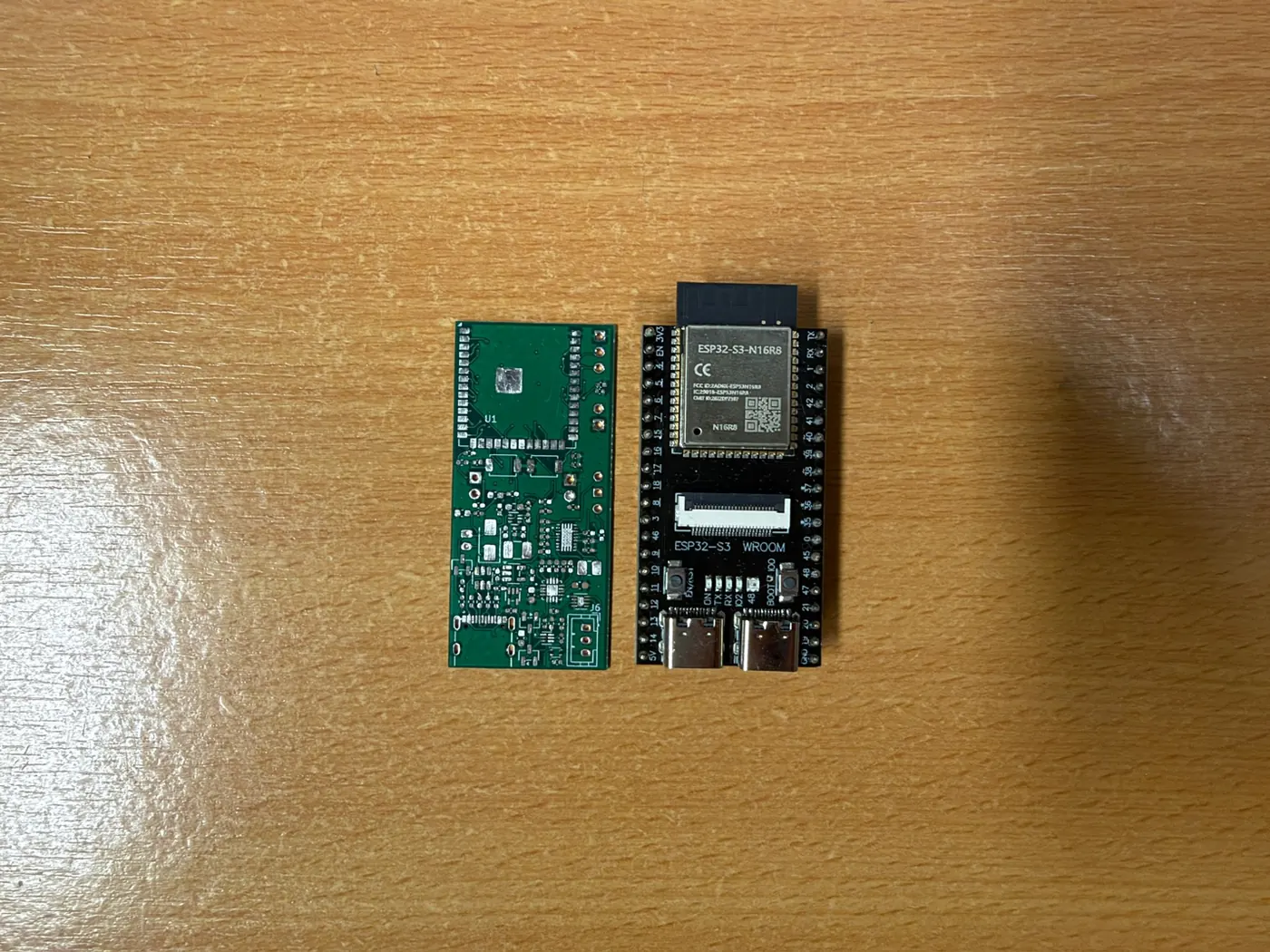
Prototype V2
The PCB was designed to be roughly the same size as a typical ESP32-S3 dev board. This compact design allows a smaller housing that fits meters in tighter spaces.
Prototype V2 was developed before the writing of the report, so some deprecated decisions are still part of it: the fan, proposed for high-humidity conditions that may cause fogging, will be dropped instead if the readings are not reliable; and the power circuitry pre-dates the decision to use Li-SOCl2 cells.
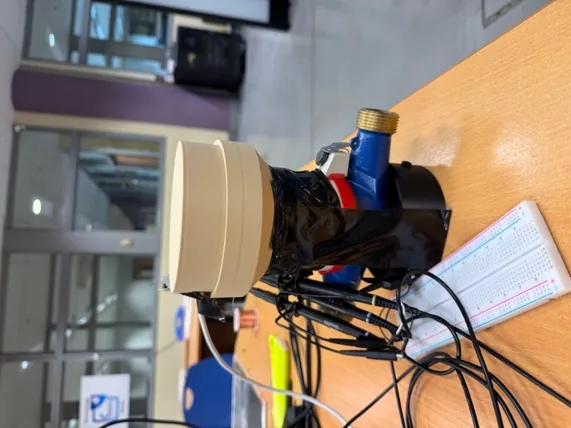
Enclosure
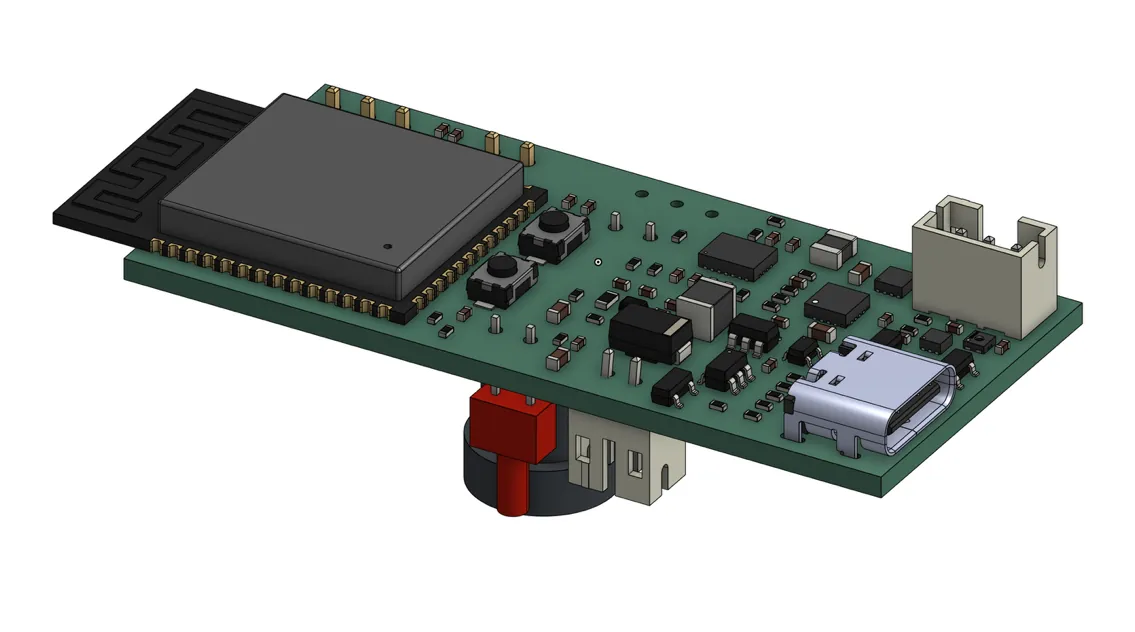
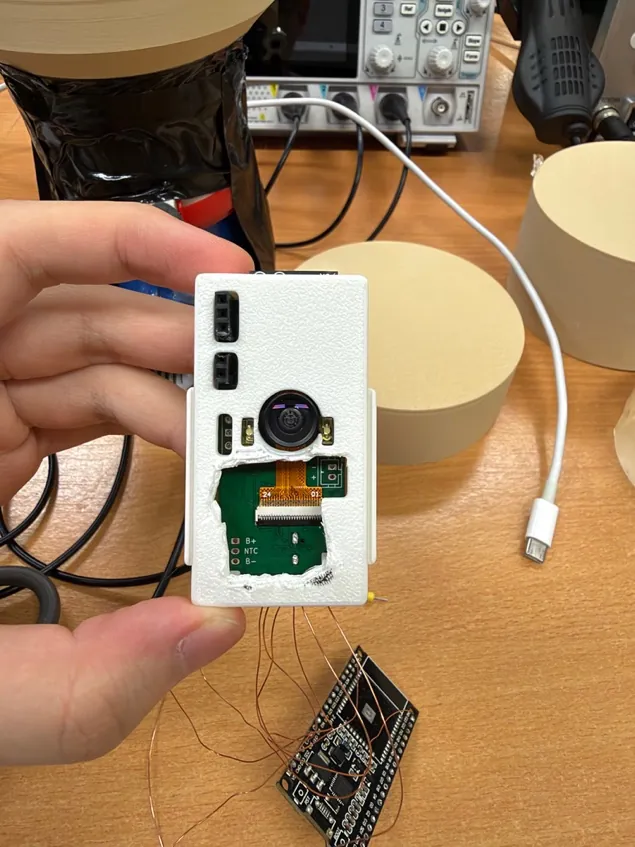
The interior enclosure houses the PCB and batteries of Prototype V2. I exported the 3D file from KiCad into Onshape as the reference, modelled the camera by hand for accuracy, and designed it toolless: side clips snap the two halves together, grooves and pins stop lateral slide, platforms and posts hold the PCB without screws, and a cutout lets the LoRa IPEX cable reach the transceiver. The fit and finish of the final print was great, but I had to cut a hole for the flipped camera from the incorrect pin layout of the assembly stage.
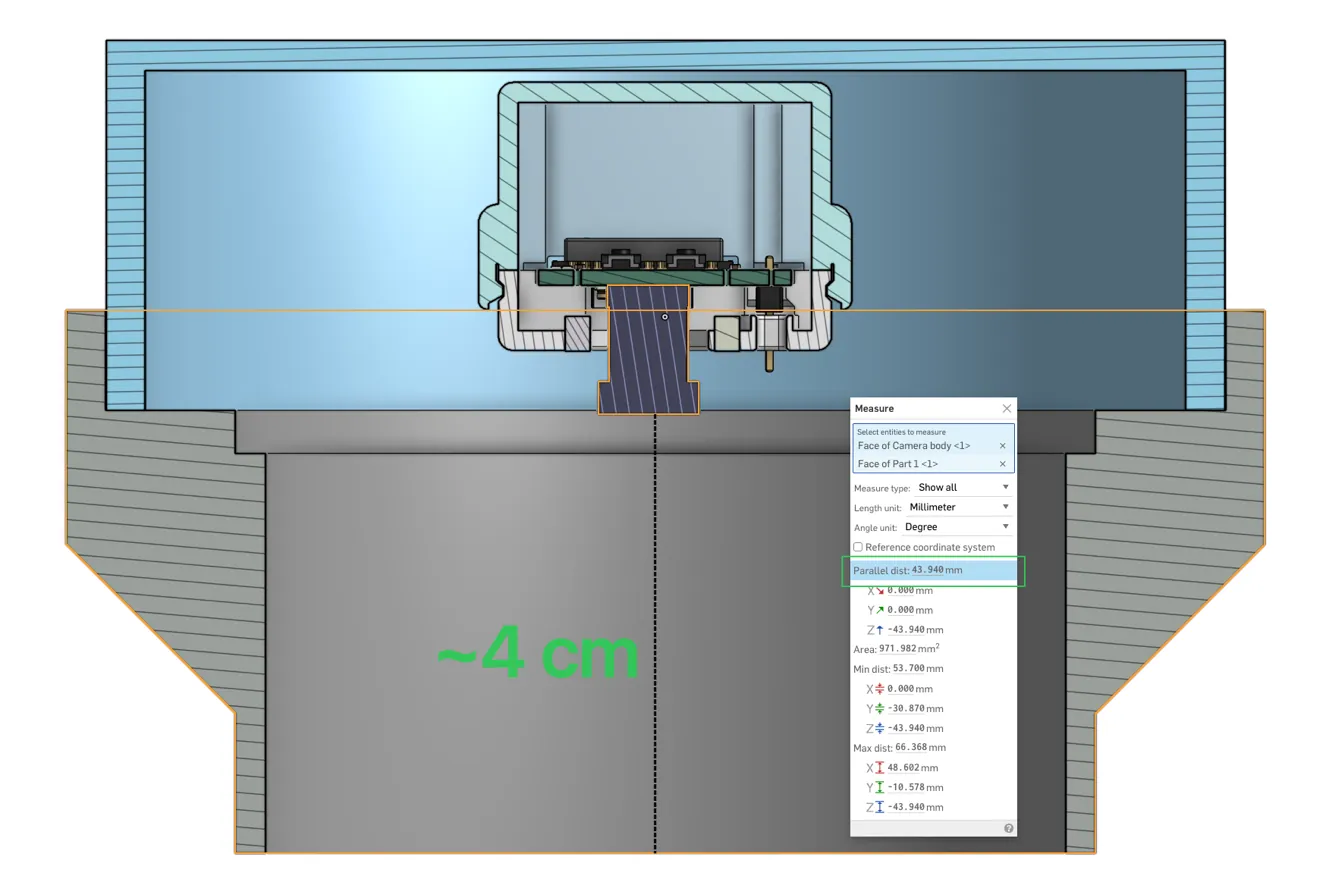
The exterior adapter is two parts. The bottom half mounts against the meter and puts the camera lens about 4 cm from the dial, the focus distance chosen in the camera test. The top half is much wider, which leaves room to align the reader to the barrels and lets me reuse it on other meters by redesigning only a bottom half. I had forgotten the tabs that lock the meter’s lid, so a few cuts with side cutters made room for them.
Input · 1 of 19
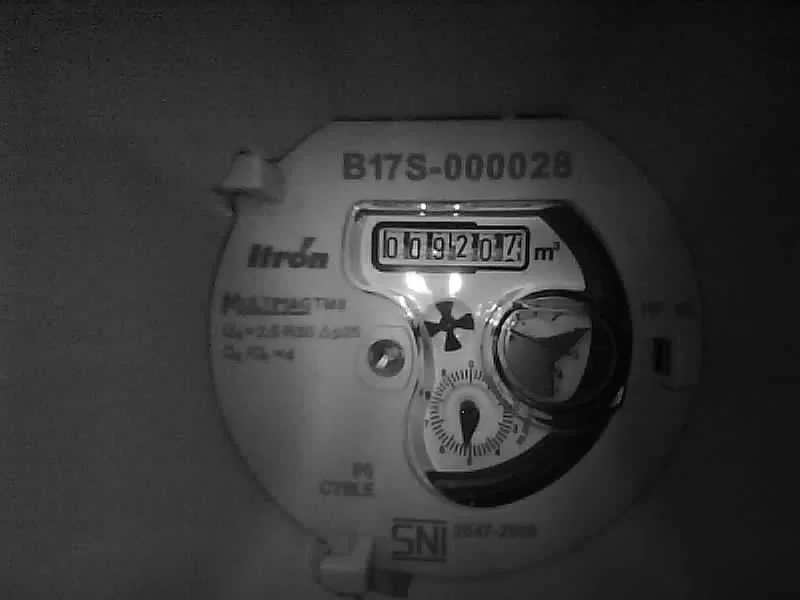
The reader captures the meter at 800 × 600 in grey. For the spotter it is downscaled to 320 × 240: four times fewer numbers, so the rough search runs quickly and cheaply.
Setup and configuration
DrumNet and the firmware are loaded onto Prototype V2, and the LoRa device address is baked into the firmware during flashing. Setup is done with an M5Stack Cardputer over BLE and ESP-NOW. The Cardputer runs a piece of firmware called ConfigKing, which automatically detects nearby unconfigured readers and prompts the user to set them up; it also reconfigures configured readers.
Since the readers are mostly asleep, pressing the boot button wakes one up to be discoverable. The screen on the left is a working copy of the real firmware’s screens, drawn from its source.
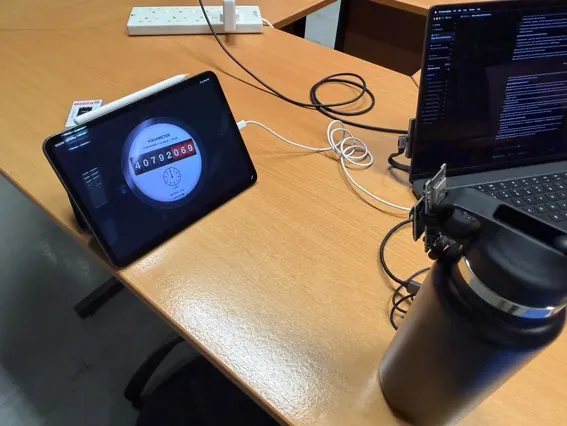
MeterSim
The first version of MeterSim was built alongside Prototype V0.5’s firmware. They work in conjunction, so Prototype V0.5 can be controlled automatically by MeterSim and labelled image data can be generated for model training. All the software and firmware builds were entirely written by Claude.
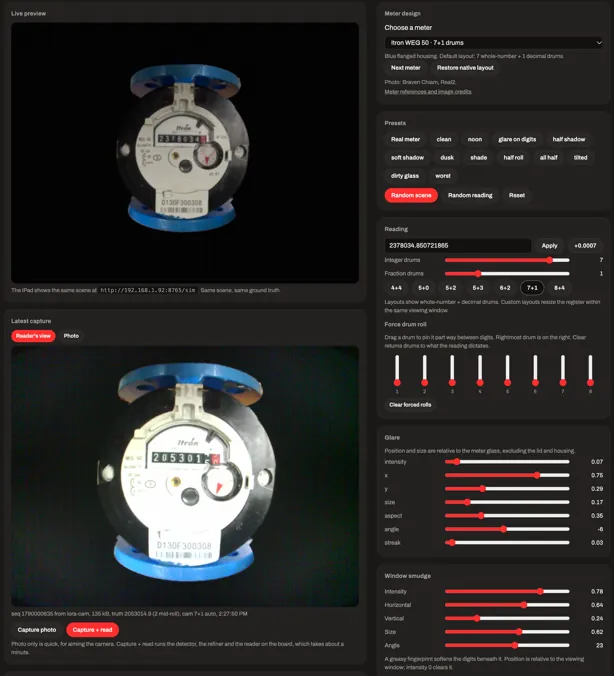
MeterSim
MeterSim is built to be used by agentic AI agents instead of humans, so the control panel serves as a monitoring platform for humans to see the progress made by the agents. Agents use MeterSim as a framework to build tests, collect data and verify accuracy while creating DrumNet. It replaces the most tedious task in machine learning, gathering quality data to train on, by generating the data; and since the environment is simulated, the data is naturally labelled.
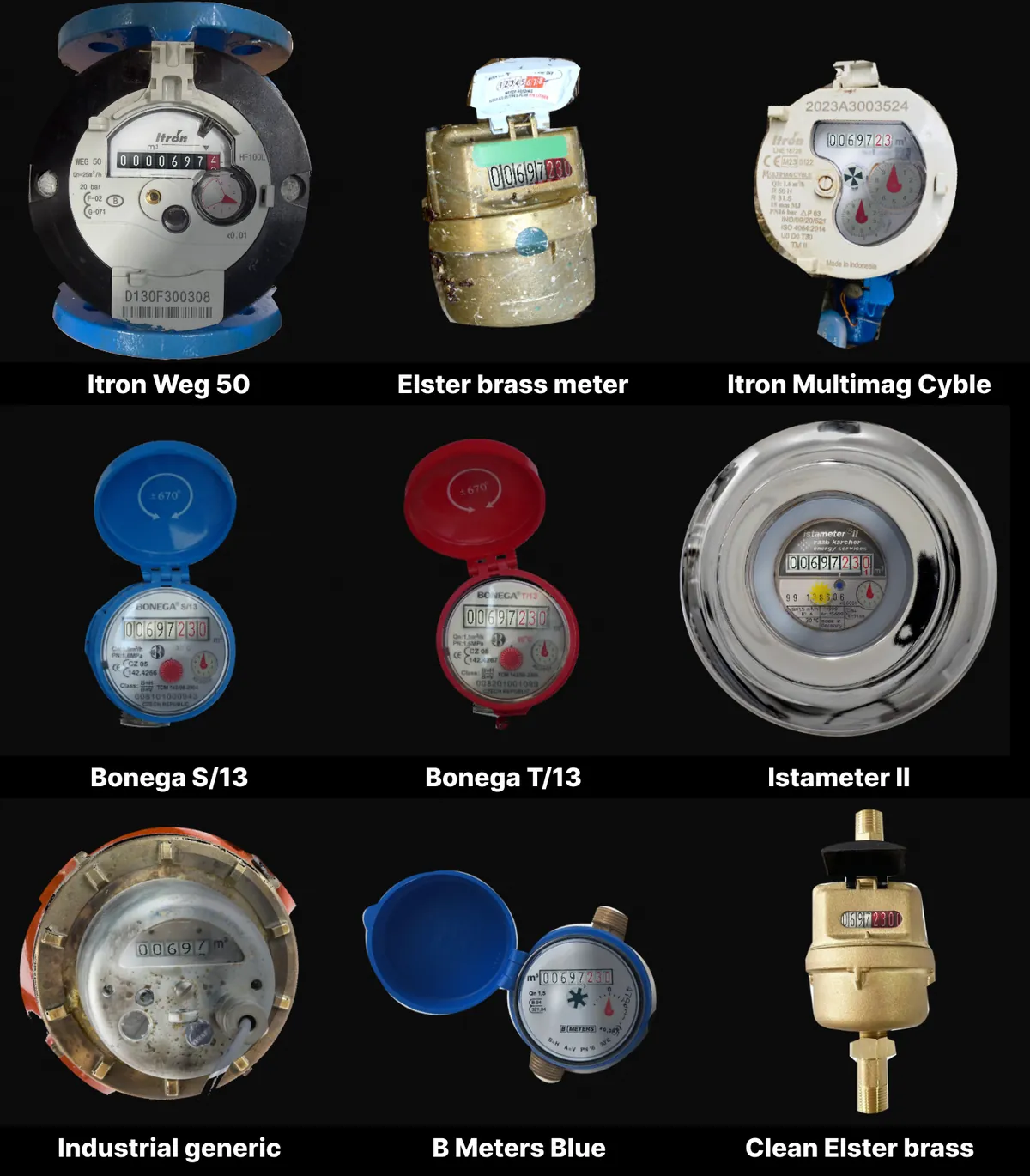
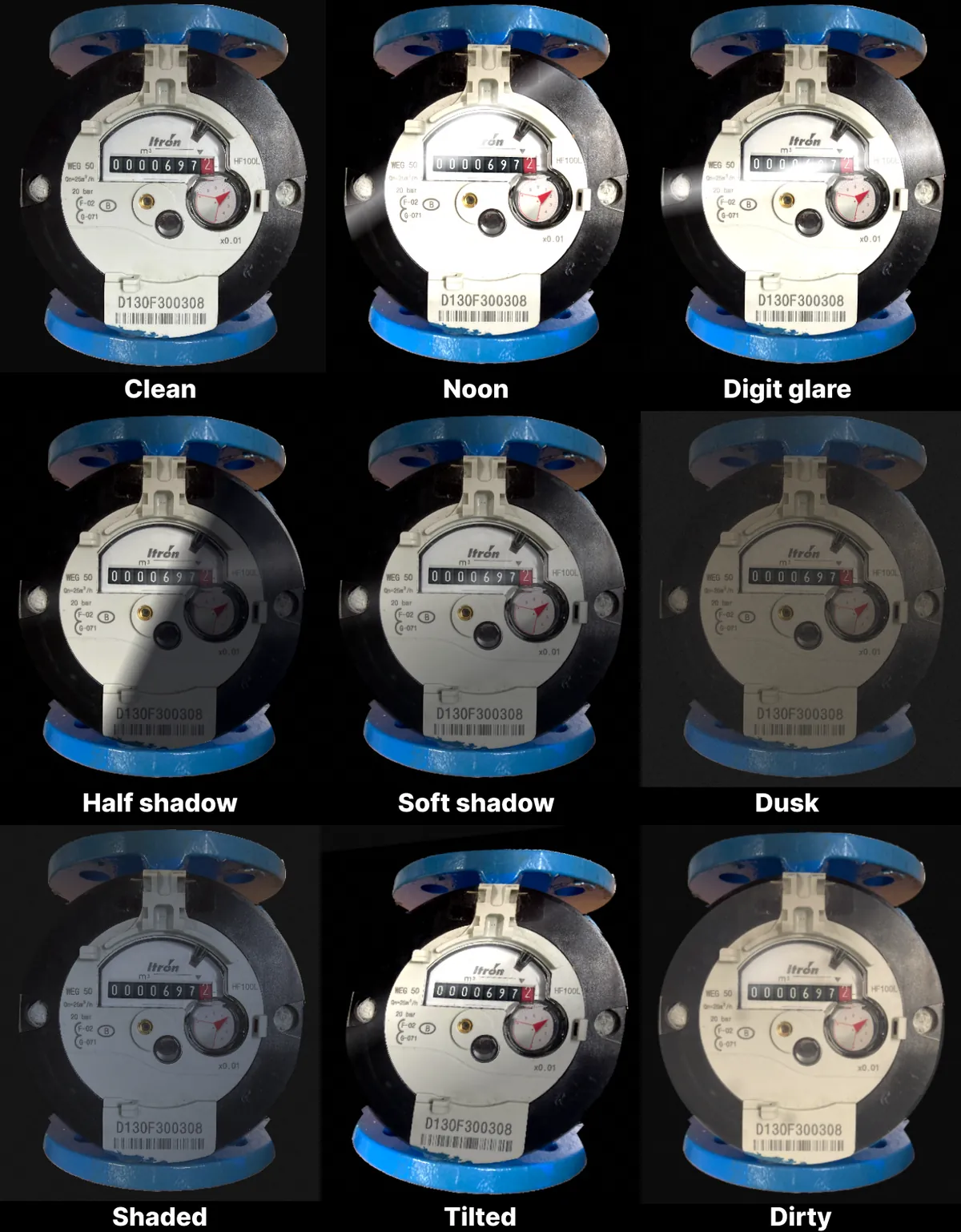
MeterSim
MeterSim has 9 different meter designs that can be customised with different barrel configurations, like 7 integer barrels and 1 decimal barrel (7+1); the integer barrels are typically in white or black while the decimal barrels are in red.
Common combinations of conditions are saved as presets: clean, noon, digit glare, half shadow, soft shadow, dusk, shaded, tilted and dirty.
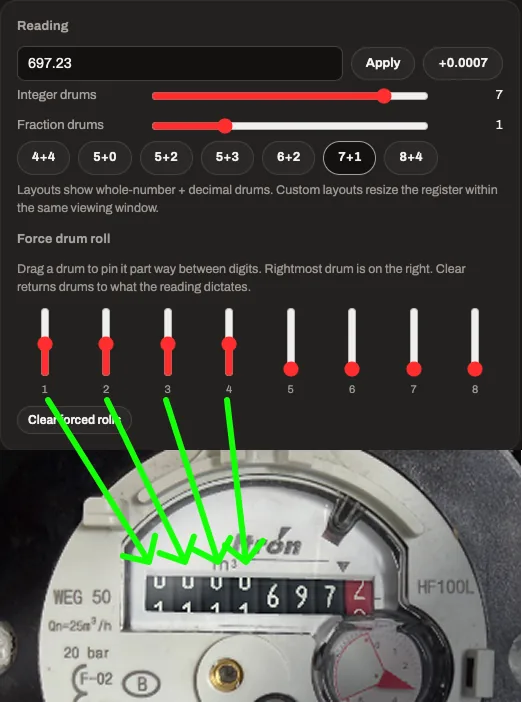
MeterSim
It also simulates half-rolled barrels, so the model can be trained to predict the value of barrels that are in the middle of transitioning from one value to another. This is done automatically by the agent during training data collection.
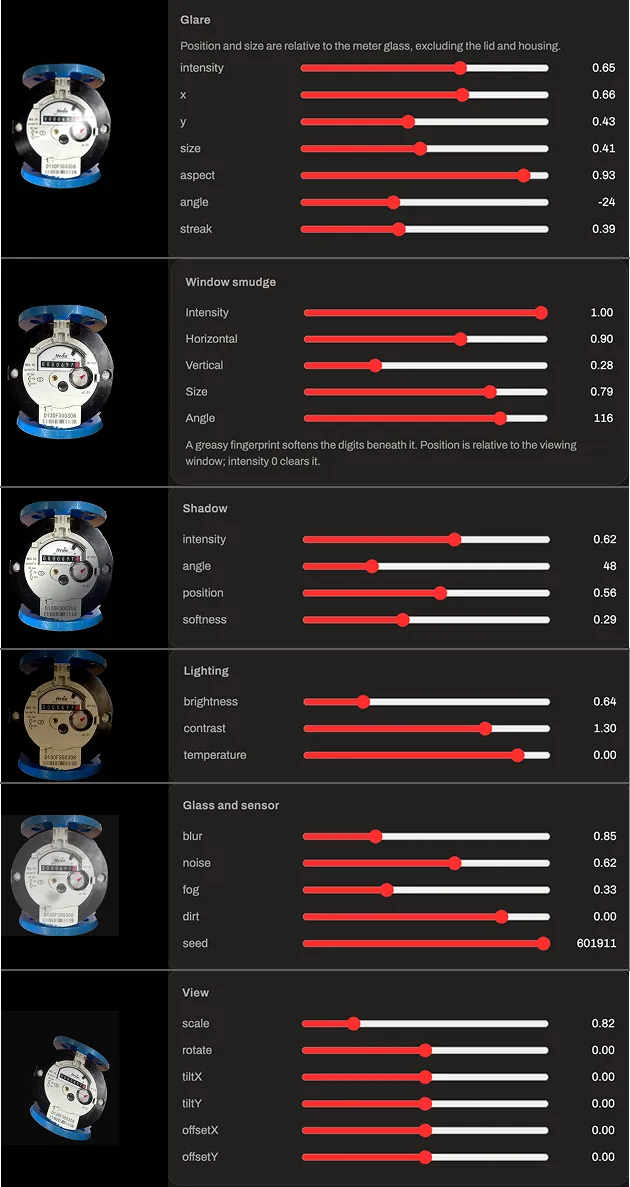
MeterSim
MeterSim also simulates different weather and meter surface conditions to better match how a meter left out in the elements may look; this is part of the training so the reader can read in different conditions. The controls include glare, smudge, shadow, lighting, blur, sensor noise, fog, dirt and scaling.
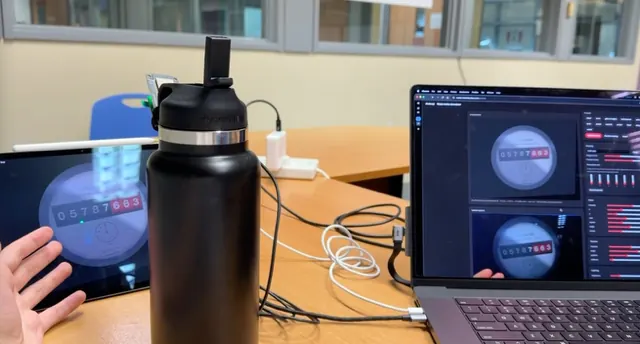
MeterSim
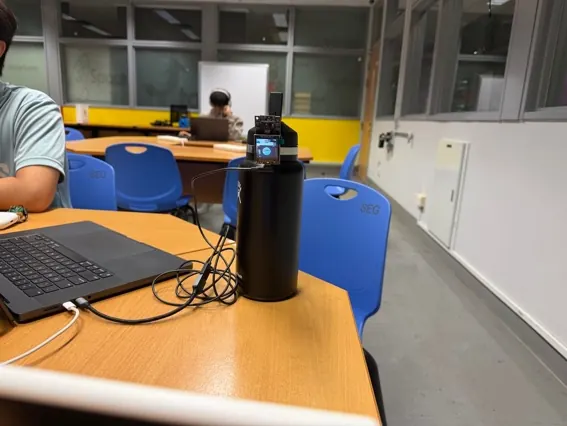
MeterSim is a self-hosted web app with two endpoints: the control panel at /control and the display at /display. The reader is connected over Wi-Fi on the same local network as the MeterSim instance; it uses this to send readings and images it has taken and to receive commands.
For model evaluation, a randomised meter and its conditions are generated and shown to the reader, which takes an image and makes a reading using the trained network. The results are sent back to MeterSim, and since MeterSim knows the simulated value (the answer), it is compared against the prediction; repeated many times, this gives an approximate accuracy of the model, performed by an agent without human intervention. Collecting labelled data works the same way, except the images the reader takes are saved to disk along with the labels in JSON, ready for training.
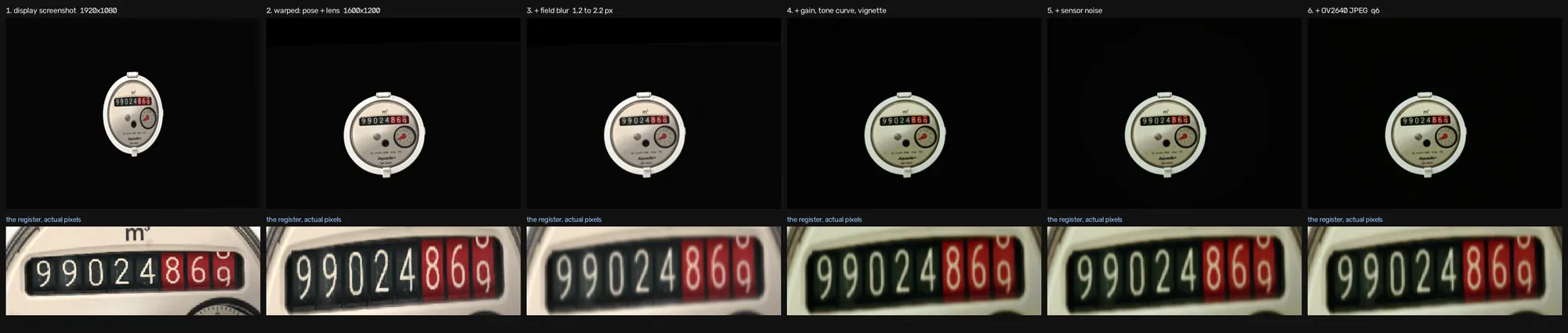
SimGen2
Even with all these automation workflows, one major bottleneck remained: capturing images from the reader and transferring them to MeterSim takes almost 10 s, and repeated over thousands of images, many hours are wasted. So the next goal was to simulate the reader’s camera itself. This system is SimGen2. It works by scaling, then applying filters and warping to simulate the look of an image taken from the reader’s camera.
SimGen2 was developed by OpenAI’s ChatGPT Astra 6 entirely; roughly 4000 real images taken by the reader were used to develop the filters.
SimGen2
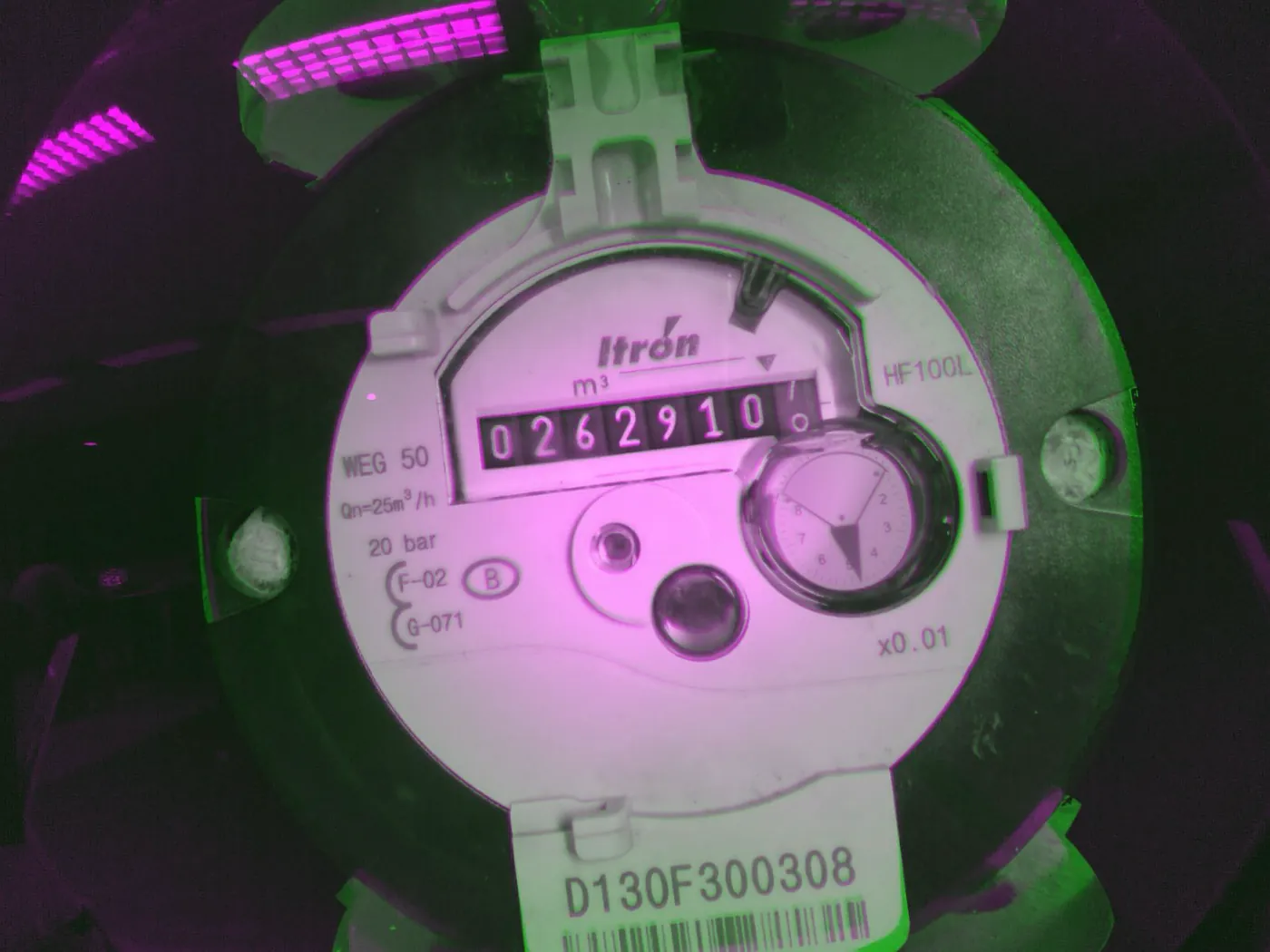
SimGen2 generates an image in about 2 s, almost 5× faster than capturing with the physical reader. Used in parallel with the reader, it produced tens of thousands of unique labelled images, which trained the DrumNet Simulated model. Here a real capture tinted magenta is overlaid on its SimGen2 synthetic version tinted green; where they match the image is uncoloured. The LED glare in the real capture is the biggest difference left.
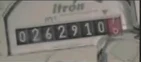
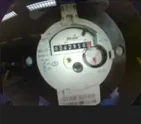
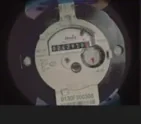
SimGen2
Twenty-one real captures and their SimGen2 versions across six meter designs, cut from the report’s sheets. Drag the divider: the real capture is on the left, SimGen2 on the right. The register strip is the part DrumNet reads, so it is the big one.
Agentic workflow
LLM-based AI agents were used extensively in this project. Agents were tasked to improve the full vision pipeline running on the ESP32-S3 with the target of 99 % meter accuracy. The core loop is developing a hypothesis, planning the execution, gathering training data, retraining, fine-tuning or RL-ing the model, testing for improvements or regressions, then reporting the findings and starting again.
Halted after 1.5 weeks
Won: renamed DrumNet, now at V10
Halted after 1.5 weeks
Still the weakest link: most wrong readings start here
Keeps the synthetic pictures coming
Reallocated everything to Simulated when the others stalled
Agentic workflow
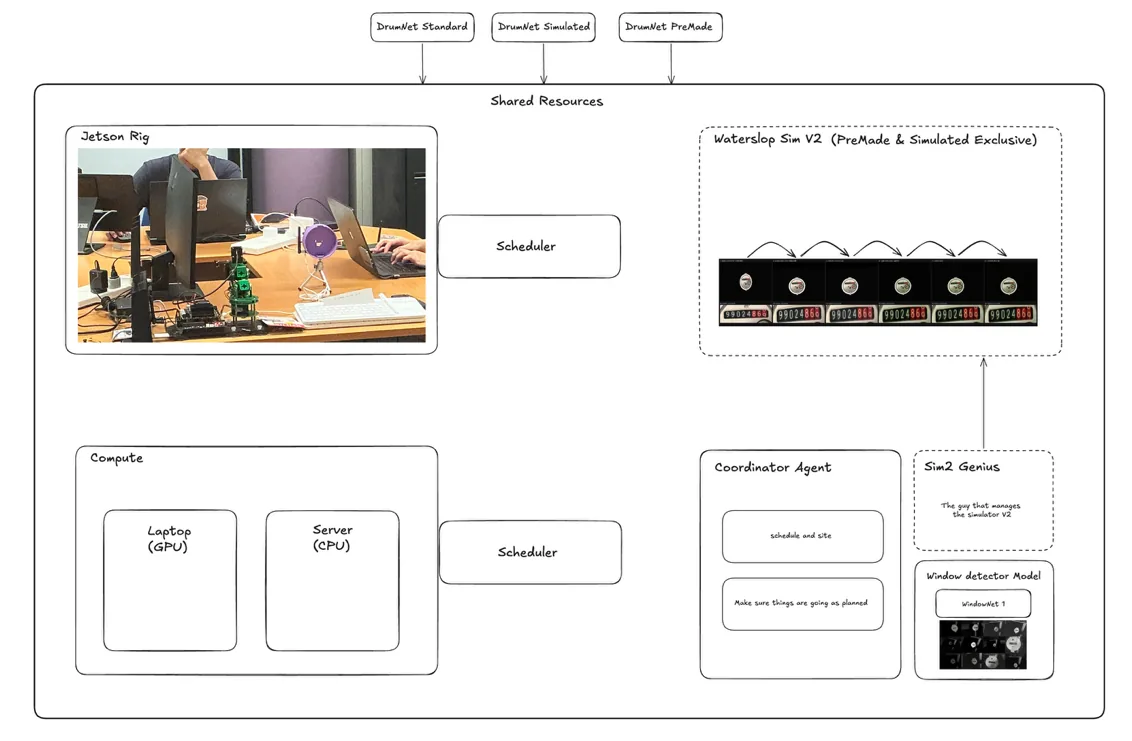
This framework was applied to three agents, each working on a variant of DrumNet, with three more agents on other jobs. After running for about 1.5 weeks, Standard and Premade displayed lacklustre performance, so their development was halted and all resources were reallocated to DrumNet Simulated.
It was then allowed to train on every dataset, including those from the rig and the external catalogue, and was renamed DrumNet. The current build, V10, is the highest performing network of the DrumNet series.
Agentic workflow
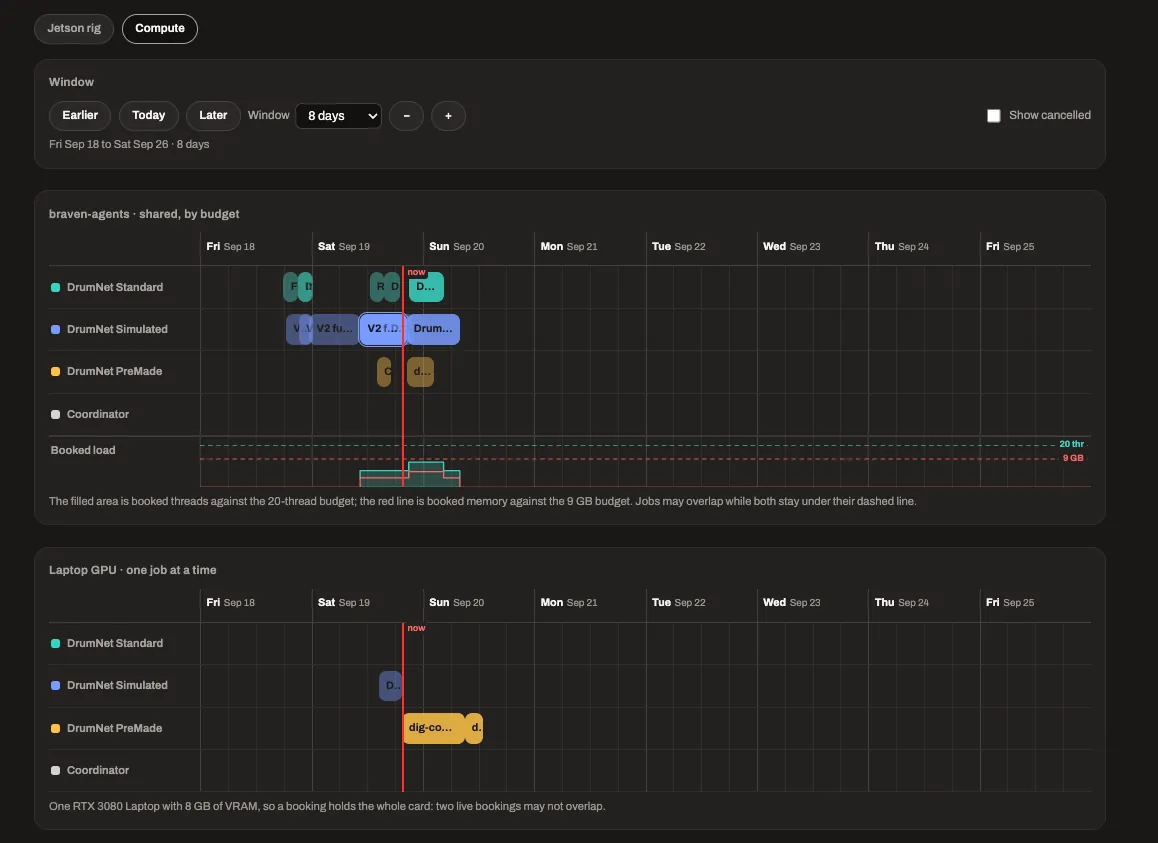
With six agents running simultaneously, they would constantly compete for resources, so the scheduler was developed. It lets the agents book timeslots on the shared resources: my server (CPU compute) and laptop (GPU compute), collectively the compute resource used for training, and the Jetson rig, which lets an agent flash and interact with Prototype V1 while controlling the display it is pointed at through MeterSim.
On the scheduler’s compute timeline, the filled area is booked threads against the 20-thread budget and the red line is booked memory against the 9 GB budget. The laptop GPU takes one job at a time.
Agentic workflow
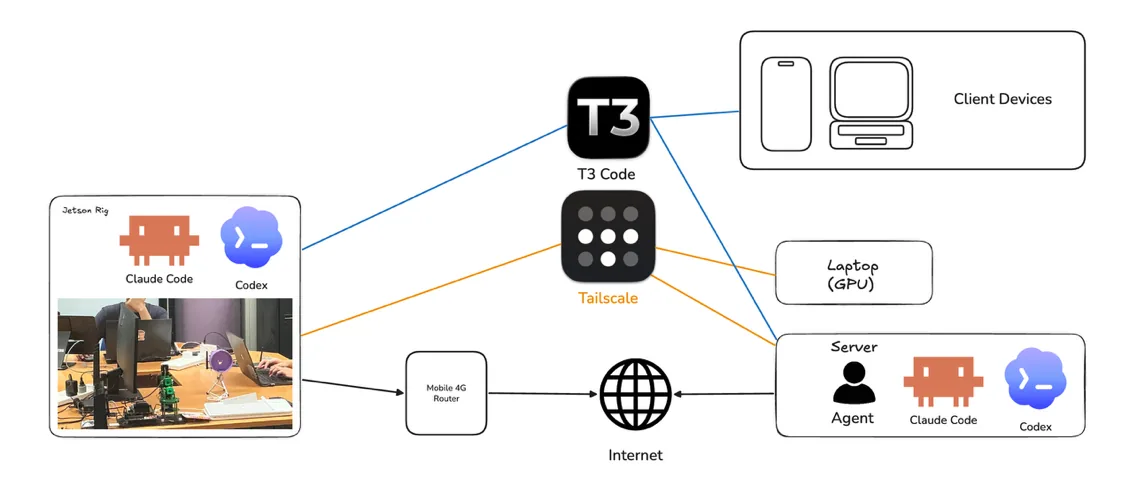
The agents ran 24/7 through a “heartbeat”, a simple script that wakes an agent after a set time, or at a set time, to continue working. The agents were instructed to act independently and make their own decisions, so very little human involvement was required.
Tailscale was at the heart of the networking: a personal peer-to-peer VPN that let the agents running on my server at home communicate with and control the Jetson rig located in school, over SSH. T3 Code, an open-source meta-harness for Claude Code and Codex, managed the agents.
Firmware
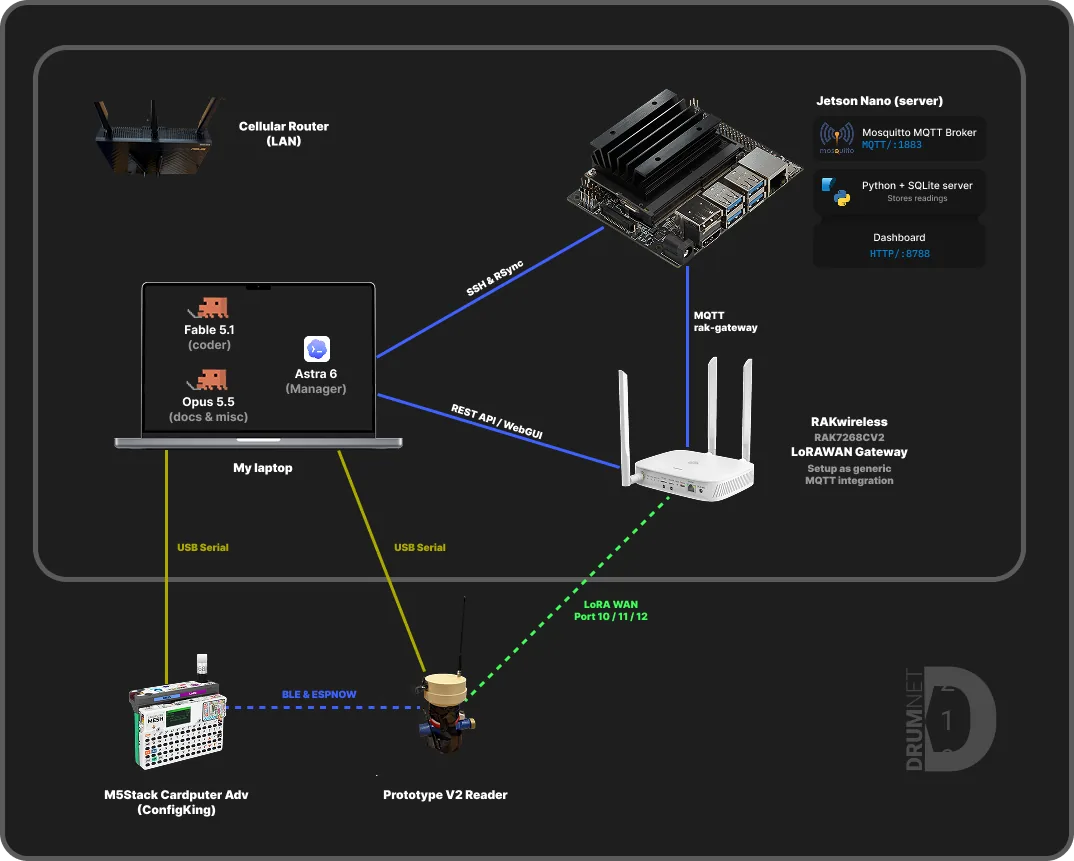
An Astra 6 agent was tasked with writing the firmware for the reader (Prototype V2) and for the M5Stack Cardputer Adv, which runs ConfigKing, the configuration console that lets onsite engineers configure readers for deployment and reconfigure them later. The agent was told to only write code using Fable 5.1.
My laptop, the LoRaWAN gateway (graciously provided by Mr Lee Chang Fatt) and the Jetson Nano were set up on the same network; the Cardputer and Prototype V2 were connected over USB serial to the laptop, and all four devices were made available to the agents.
One wake cycle
Dashboard
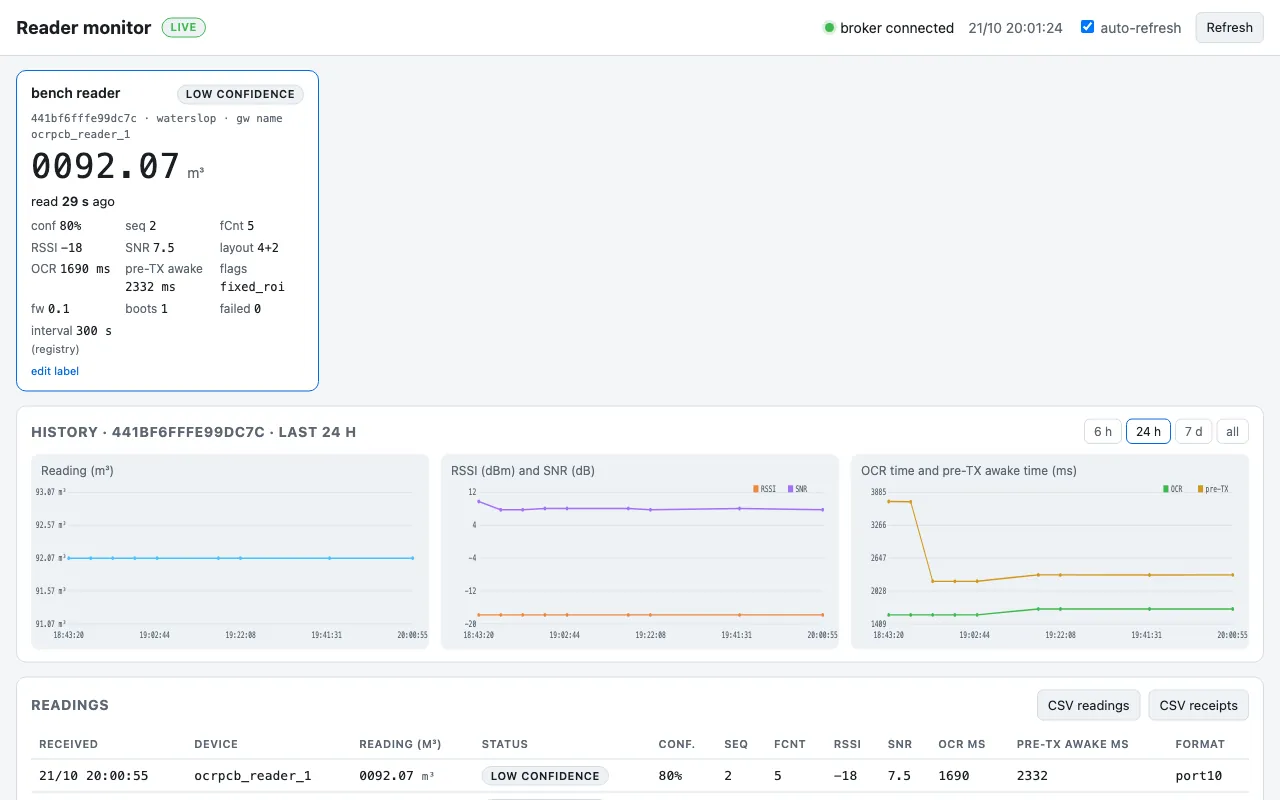
After the reading is made it is sent to the LoRaWAN gateway, which forwards it over MQTT to the Jetson Nano, where it is stored. The Jetson serves the dashboard as a single HTML file whose JavaScript updates the values from the stored data. The dashboard is a demo and is not designed to scale to real deployments.
Power optimisation · software
The reader needs to run for very long durations, up to 2 years, on a set of batteries. The ESP32-S3 is relatively efficient at heavy tasks like the vector maths neural networks need, but it is nowhere near as efficient as Nordic’s nRF line-up, so these are the strategies to reduce energy use. The wireless radios of the ESP32-S3 are turned off in deployment; they are only used for initial configuration.
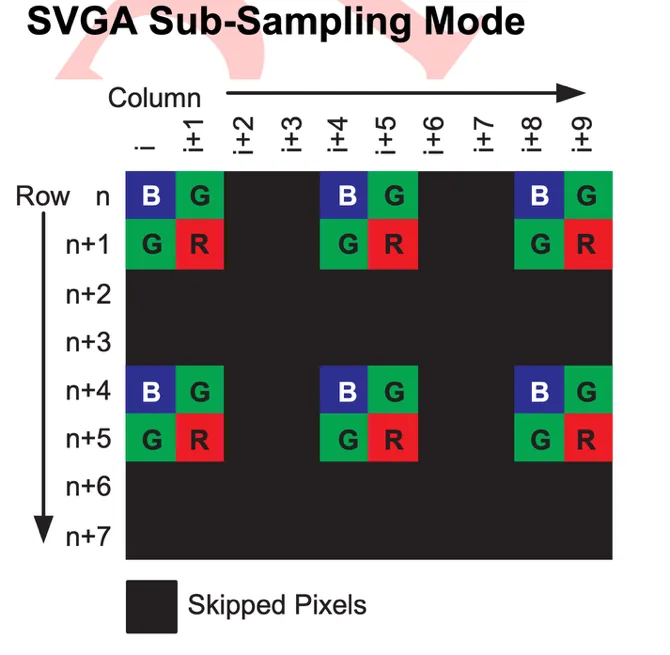
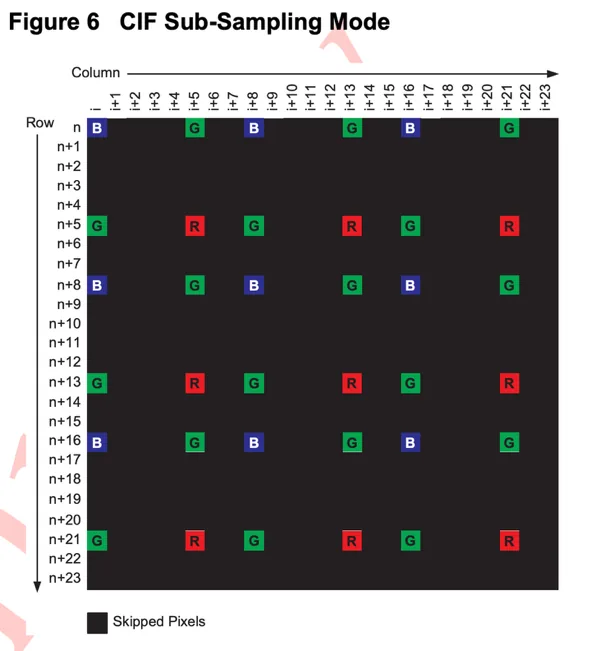
The OV2640 supports up to 1600 × 1200 but also sub-sampling modes of 800 × 600 SVGA and 400 × 296 CIF.
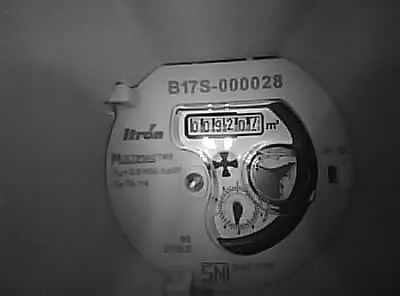
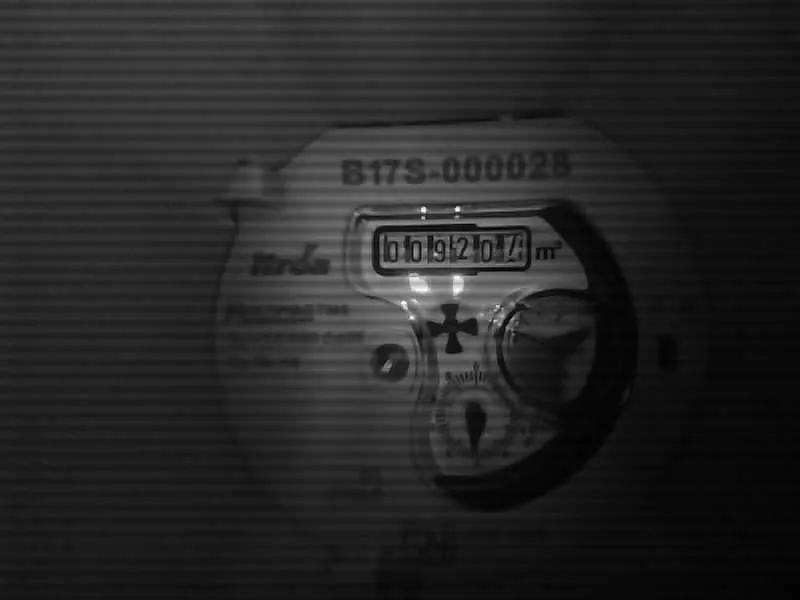
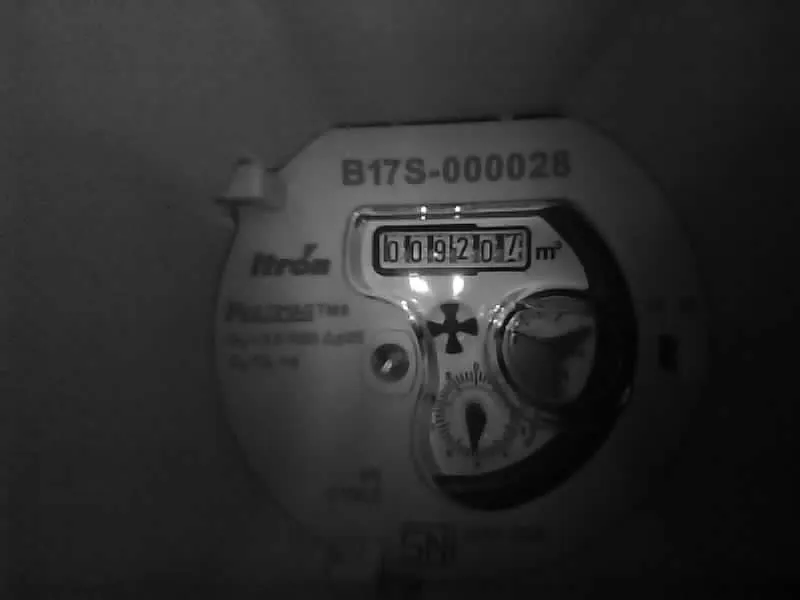
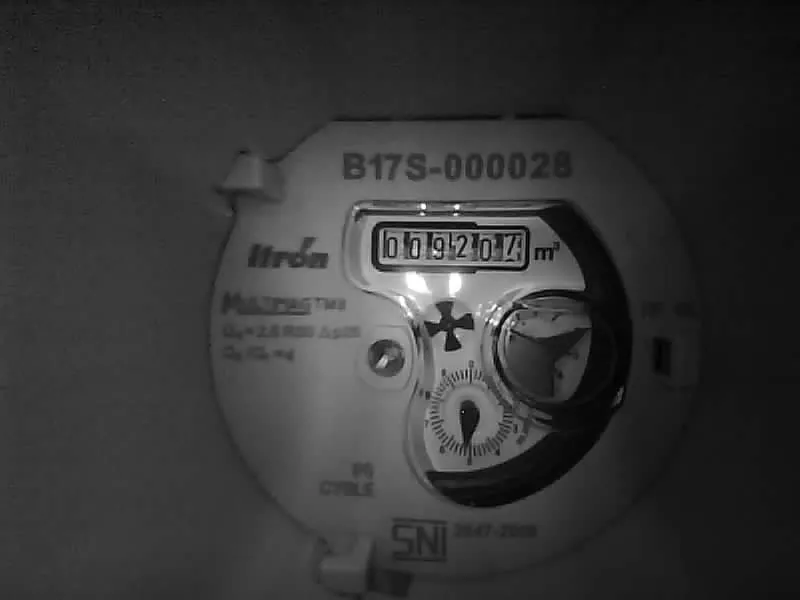
Capture modes, side by side
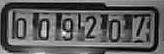
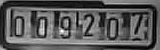
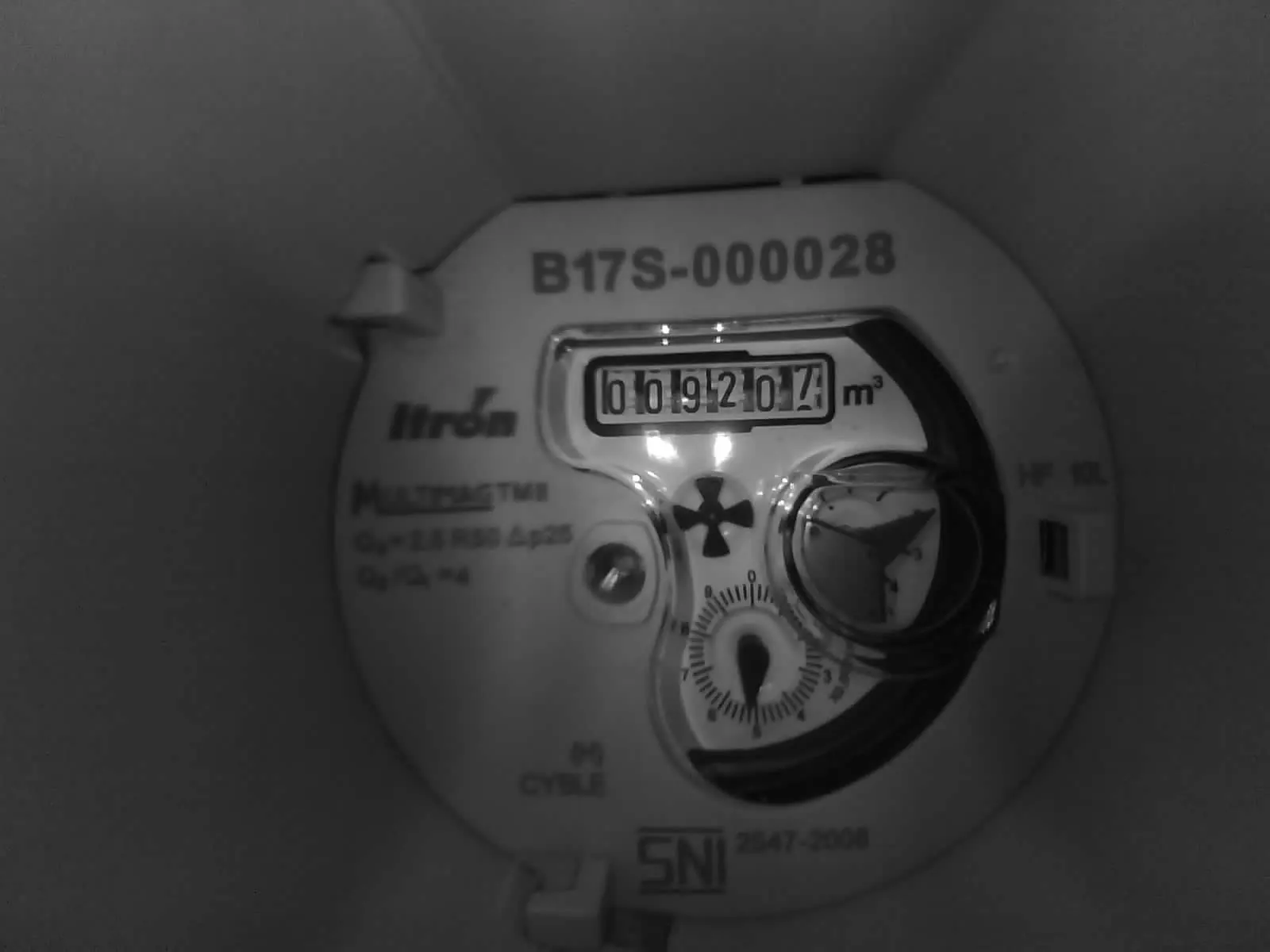
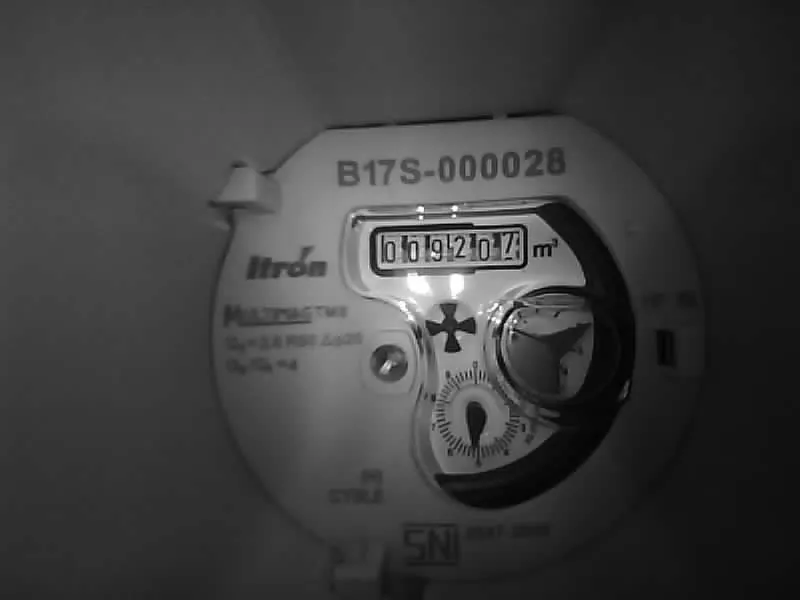
The same meter at the three resolutions: the full frame above, the drums below at the same magnification. At 1600 × 1200 every pixel of the sensor is read out and the capture takes 350 ms; the less time the camera stays on, the less energy it consumes. At 400 × 296 the capture takes 61 ms, but the drums are left with too few pixels to read reliably.
Based on my testing, SVGA yields the best balance of quality and speed, and 800 × 600 means the network processes 4× less information than 1600 × 1200. No proper tests were conducted to back up the accuracy claim, although accuracy did not suffer greatly in my experience.
Power optimisation · software
I had initially dismissed PWM dimming because the OV2640 uses a rolling shutter, which could capture between the off-cycles of the PWM signal and show banding. But the OV2640 did not suffer from any banding, so I run the LEDs at 20 kHz with 50 % duty cycle. This saves some fraction of power and adds brightness control.
Power optimisation · software
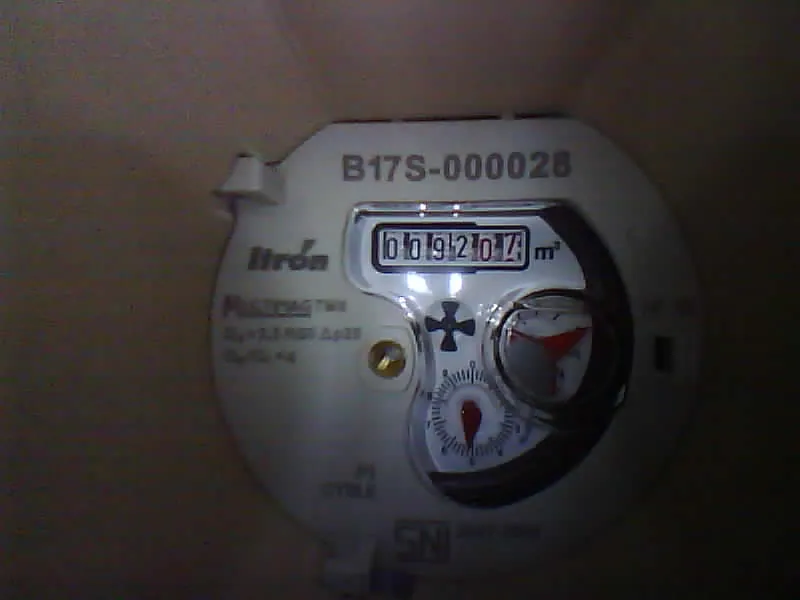
The greyscale filter is done on the camera by the OV2640 and returns a slightly smaller image file; the impact is none to minimal, but it was easy to implement.
Power optimisation · software
Earlier builds of DrumNet ran at full-precision Float32 on the ESP32-S3, slow and inefficient. The ESP32-S3 has built-in vector instructions, accessed through the ESP-NN library, that perform Multiply and Accumulate (MAC) operations multiple times per clock cycle. After quantising DrumNet to 8 bits, capture-to-prediction time was cut from 61 s to 17 s, roughly 3.6× faster. Efficiency gains have not been properly measured, although I am sure there were big improvements there too.
Power optimisation · hardware
Camera choice
I needed a capable macro camera, wide enough to capture the full width of the meter barrels while in close proximity to the meter. There were no options that were both low cost and of the correct connector type from reputable retailers, so I bought two OV2640 cameras from Lazada, one with a 160° field-of-view lens and one with 120°. They were not advertised as macro, but an intrinsic property of wide-angle lenses is their ultra-short focusing distance and much deeper apparent depth of field.
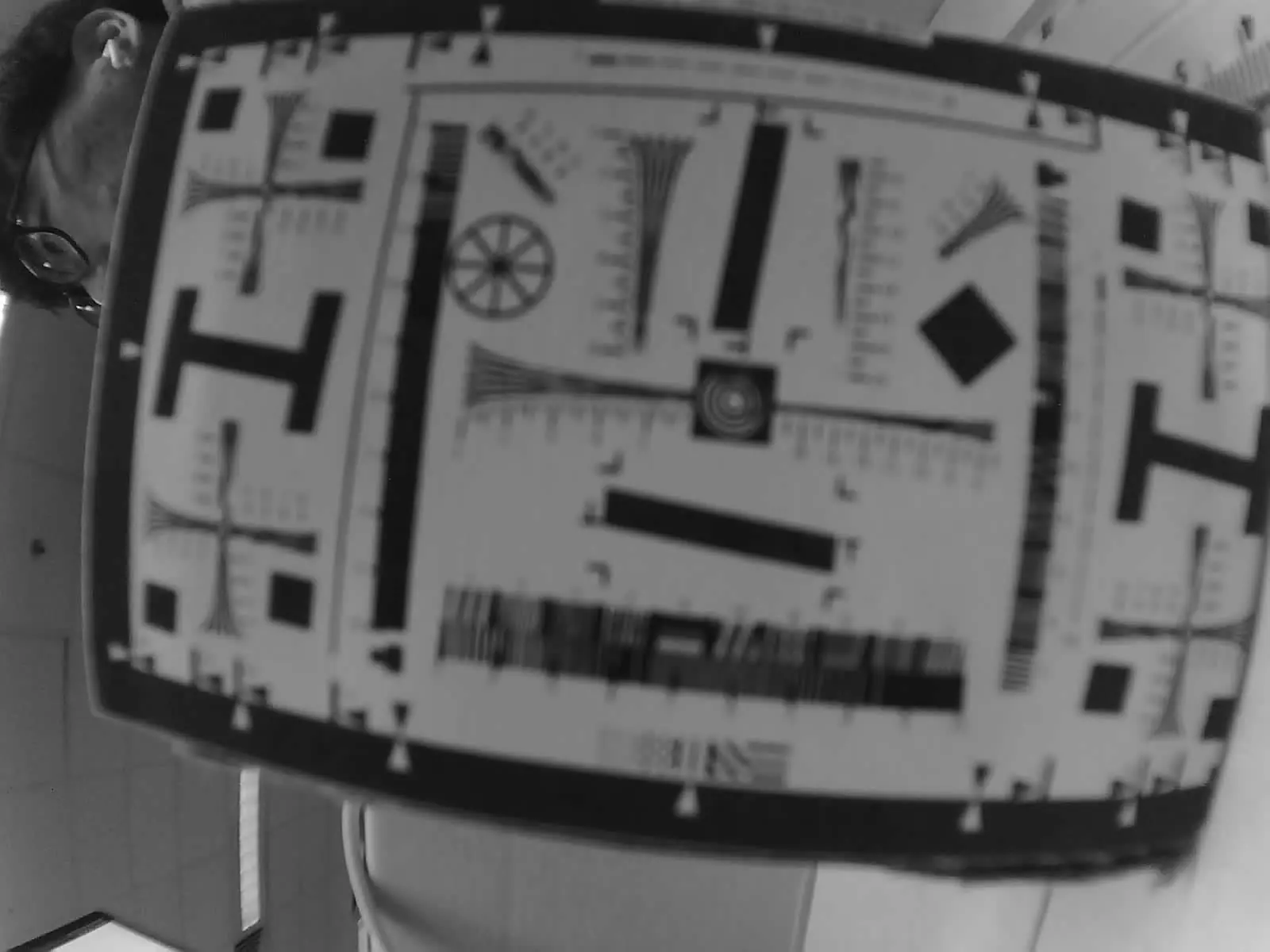
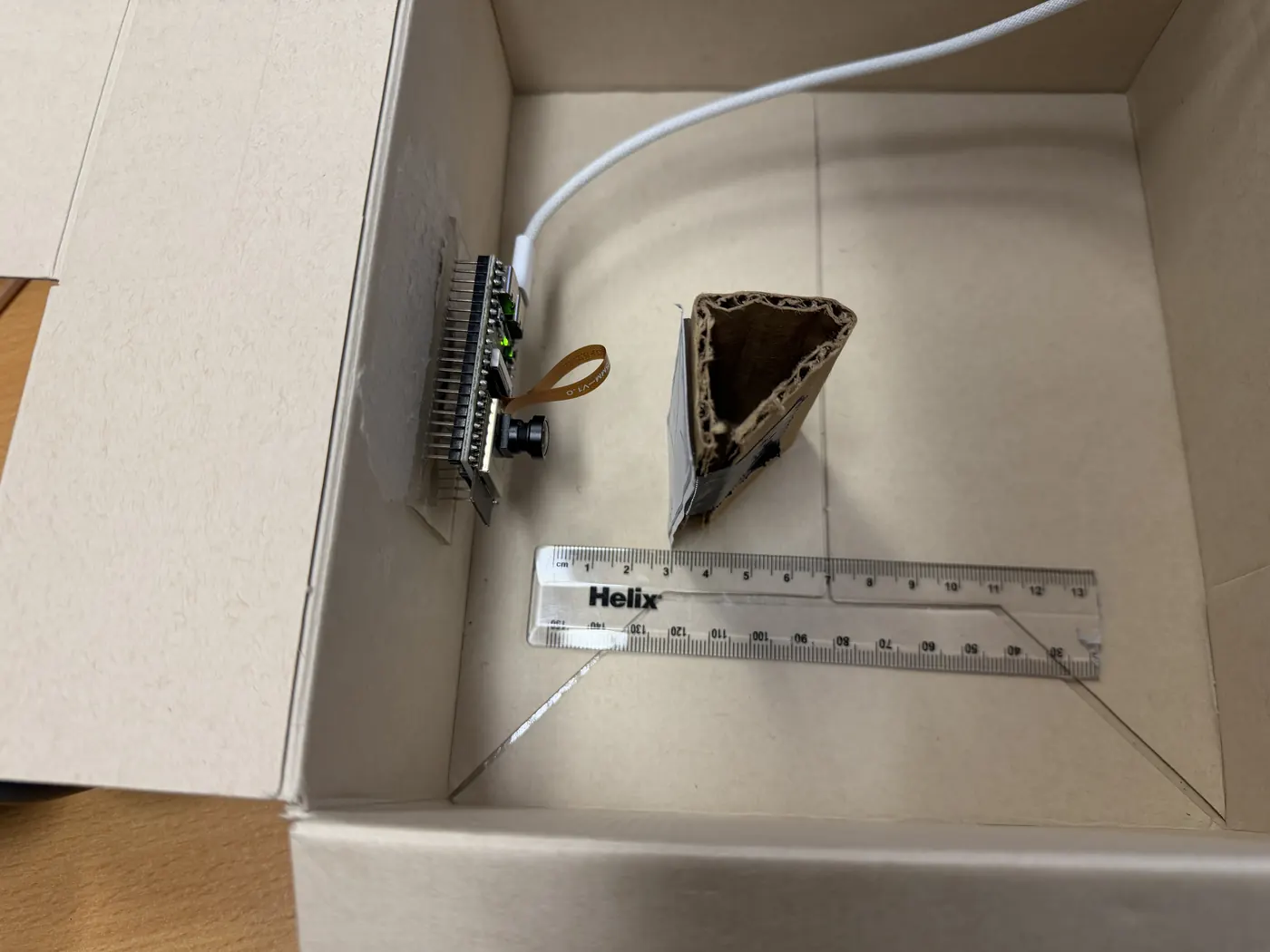
The test was simple: take an image with both cameras at 3 cm, 4 cm and 6 cm, against two focusing charts. Chart A was hand-drawn by me; Chart B is Stephen H. Westin’s ISO 12233 chart from Cornell. Using a spare ESP32-S3 cam board and a simple web applet written with an AI agent, the camera was mounted to the side of a box with a ruler starting from the lens, and the charts sat on a movable stand.
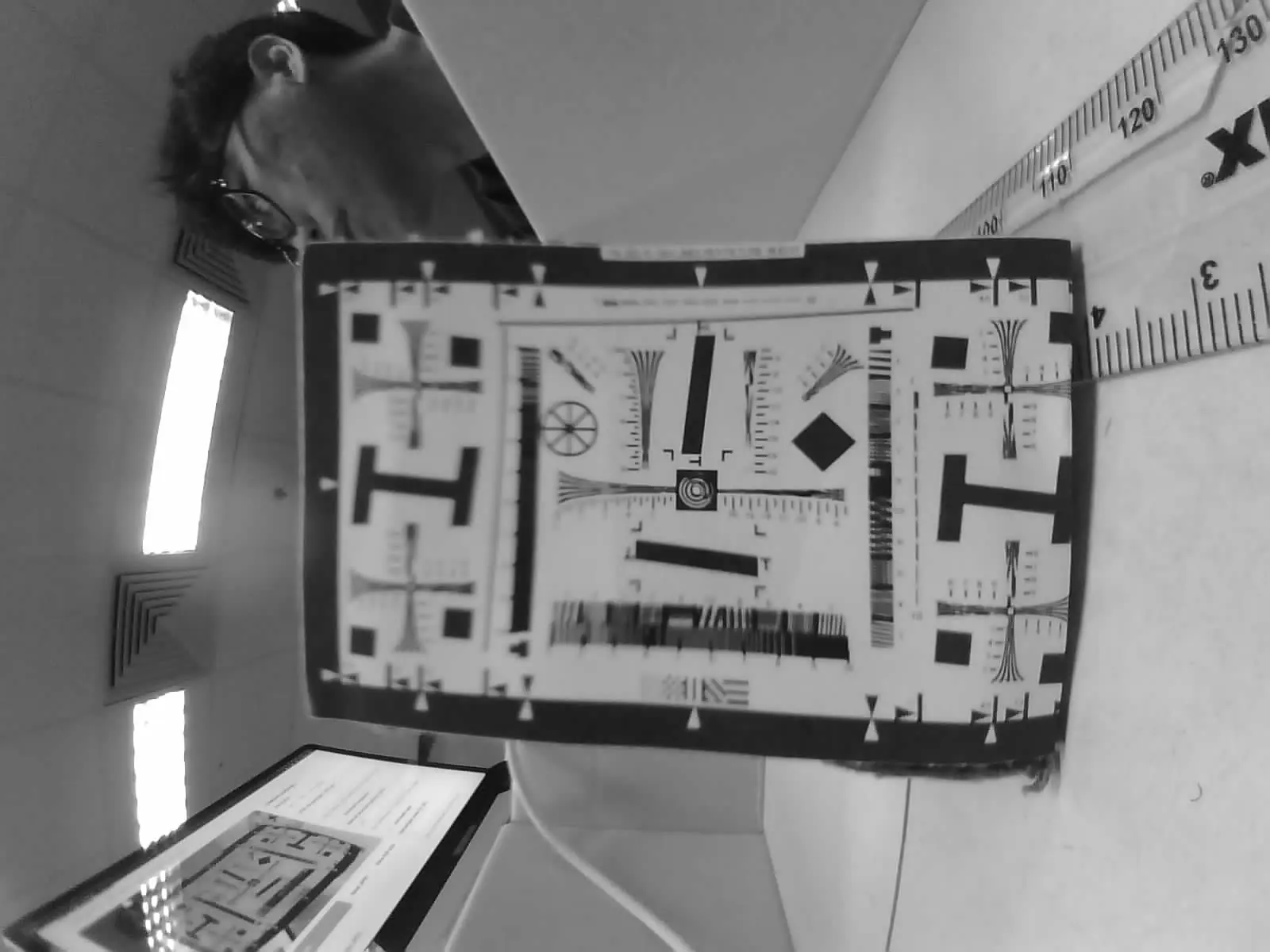
The 160° variant focuses well on close objects. On this lens the focus seems to taper off towards the left of the image from the centre, while the effect is nowhere near as strong in the opposite direction.
The focus test
Pick a lens, a distance and a chart: the full capture, with its centre, left and right cut from the same frame at actual pixels. These are fixed-focus lenses, so focus is permanently set at the factory. Moving forward I use the 160° variant at 4 cm.
On the 160° variant, focus tapers off towards the left of the image from the centre, while the effect is nowhere near as strong in the opposite direction. The chart was perpendicular to the camera with no major slants or dents, and the 120° variant tapers conically and evenly, so this points towards a manufacturing defect; I have no extra cameras to test if that is true.
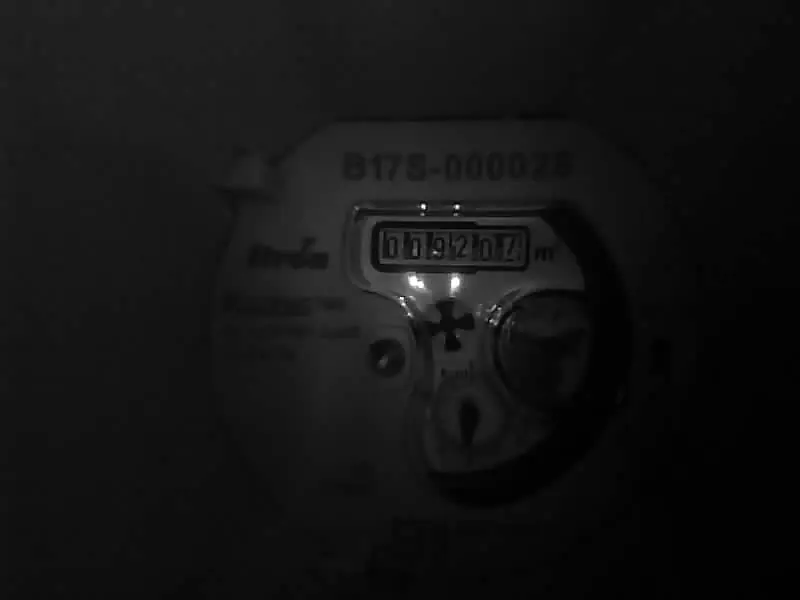
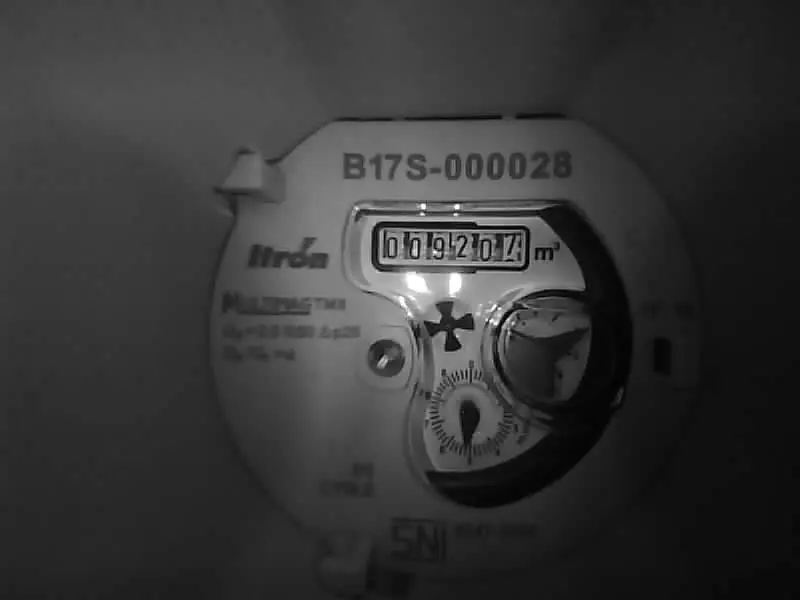
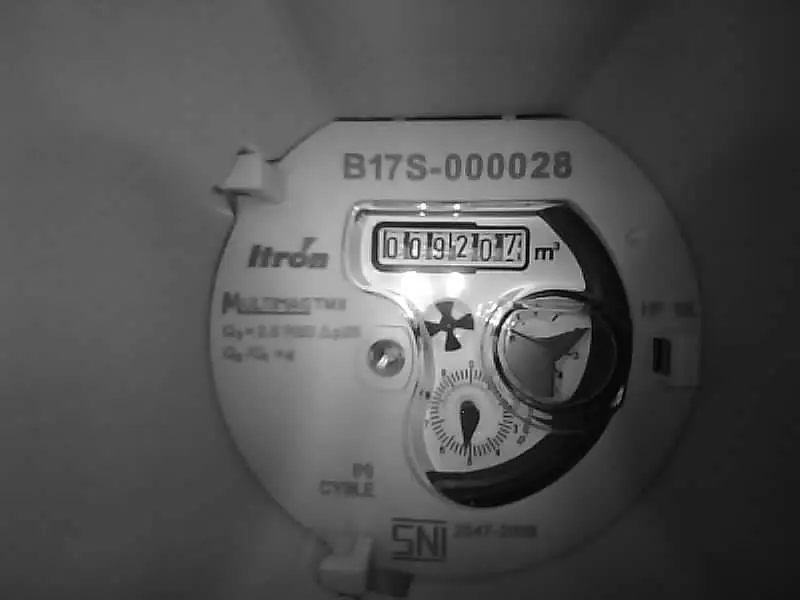
84 was too dark. 336 brightened the digits. Higher exposure gave variable brightness rather than a consistent improvement.
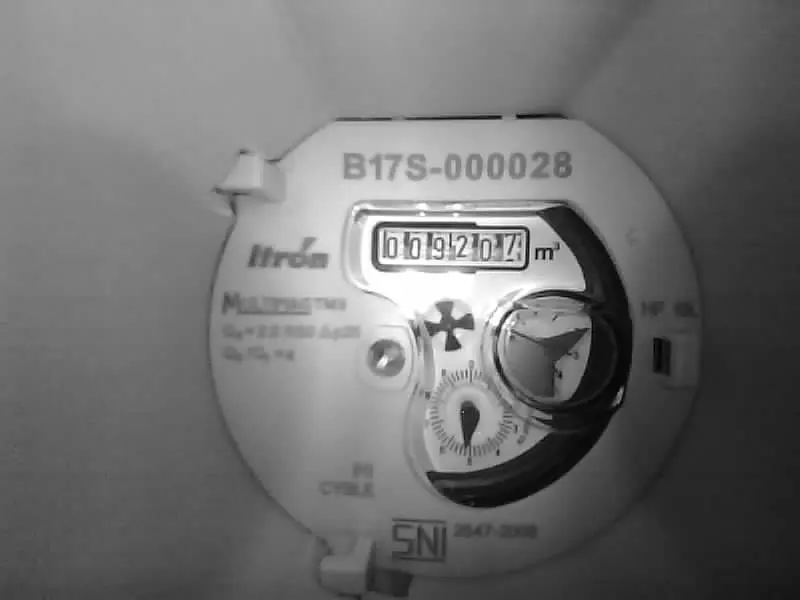
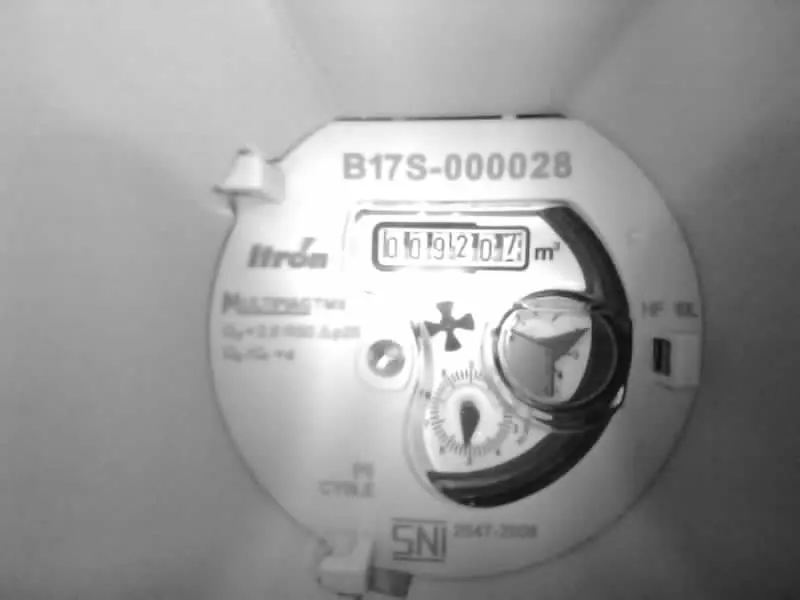
Increasing gain brightened the image, but clipped highlights at high settings. At low PWM duty, higher gain also reduced visible detail.
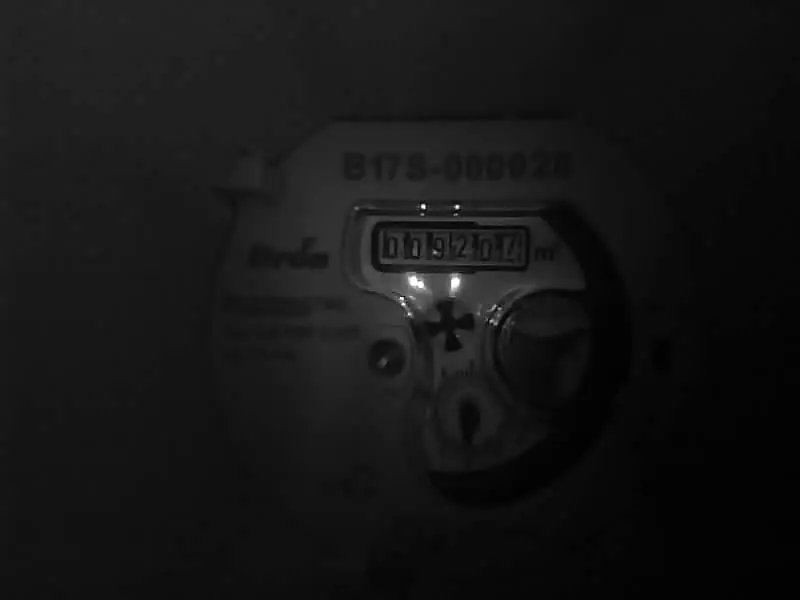
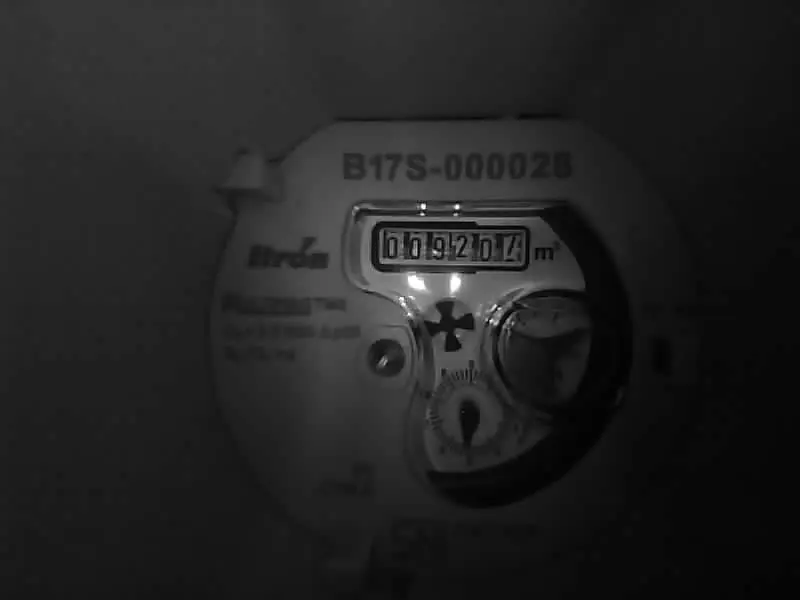
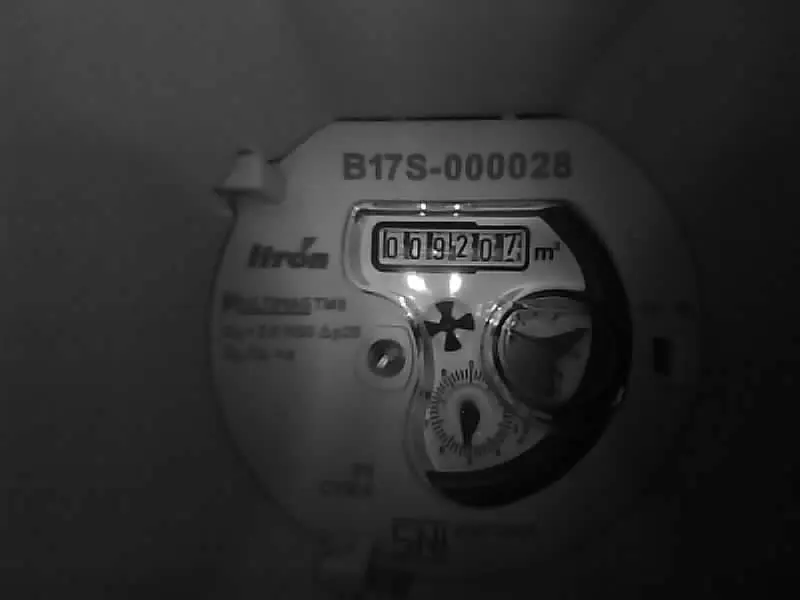
Lower duty reduced illumination and estimated cumulative LED on-time. Exposure or gain compensation was needed to regain brightness.


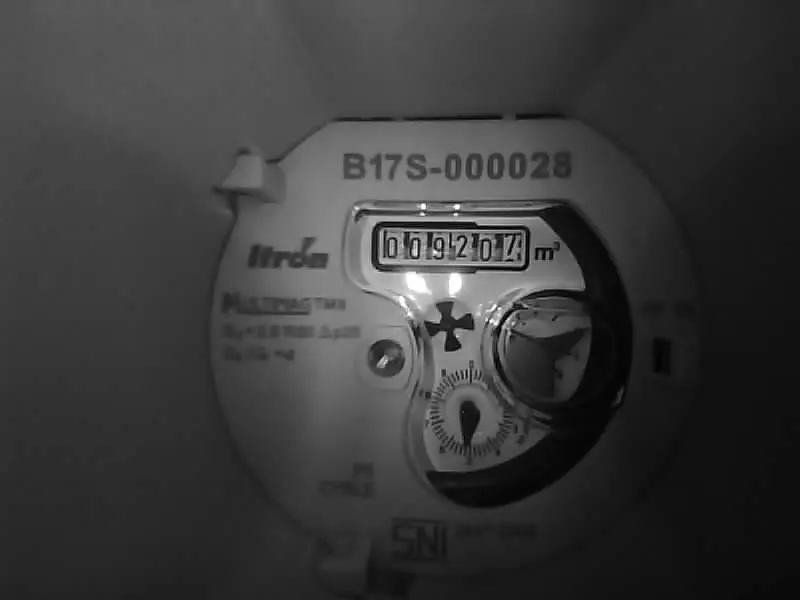
Short pulses caused partial lighting or dark images. The same 60 ms setting gave digit means from 5.7 to 94.3, so a single good shot was misleading.
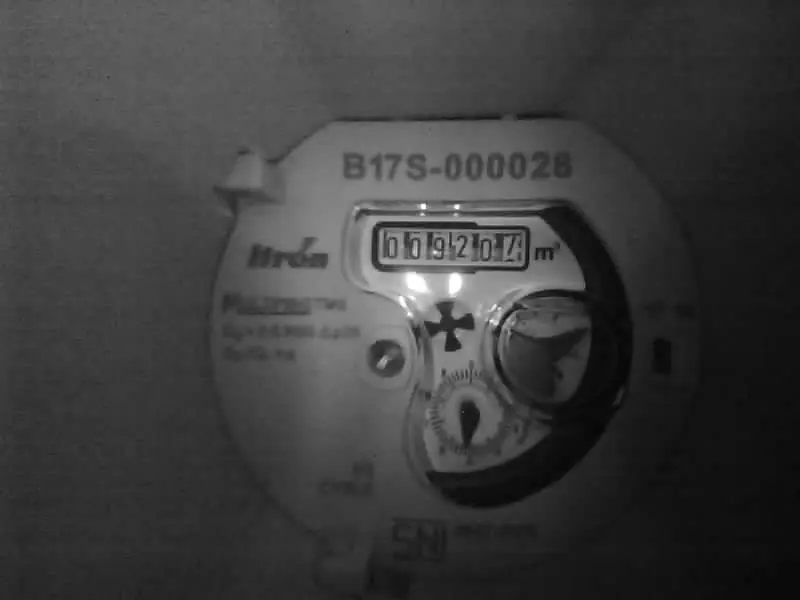
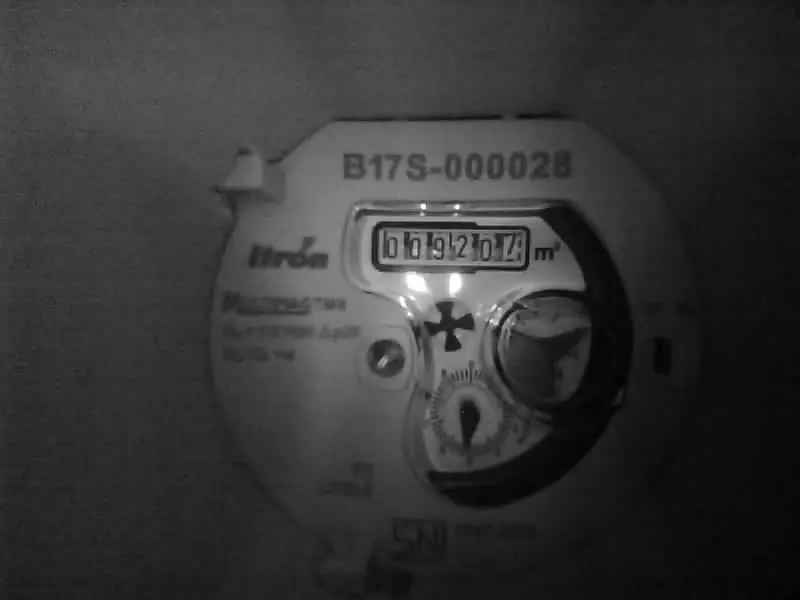
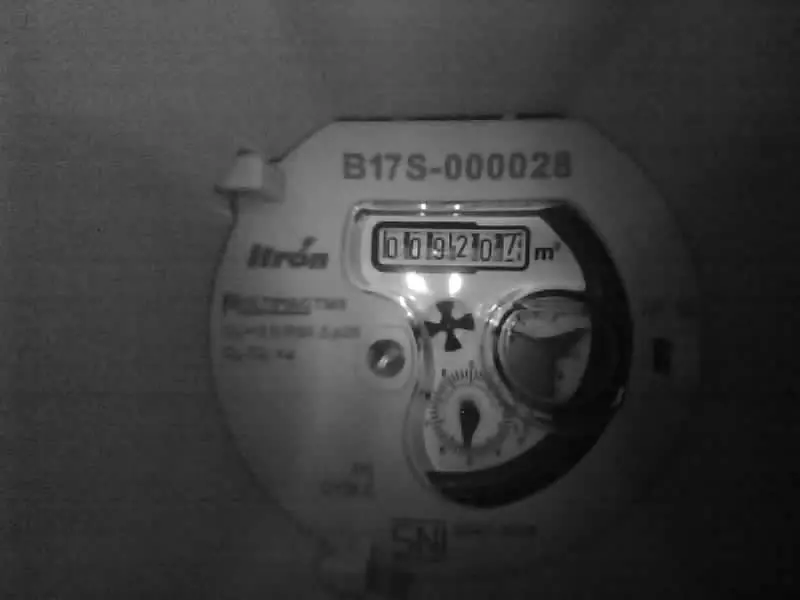
All three produced readable digits. These small samples did not establish a clear detail advantage; 20 kHz was retained.
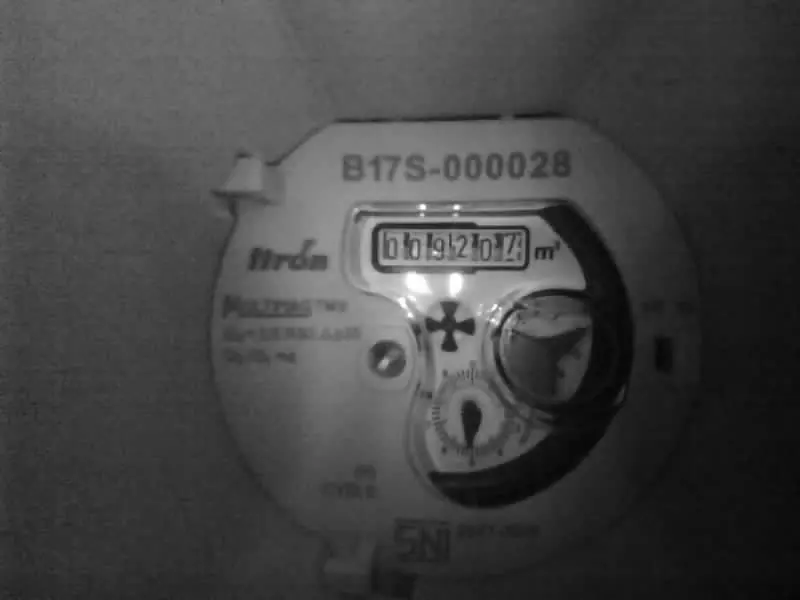
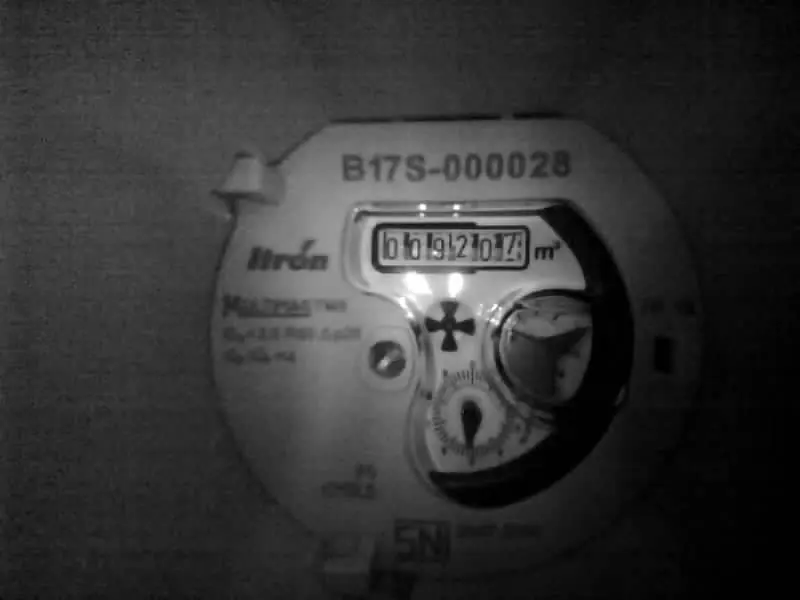
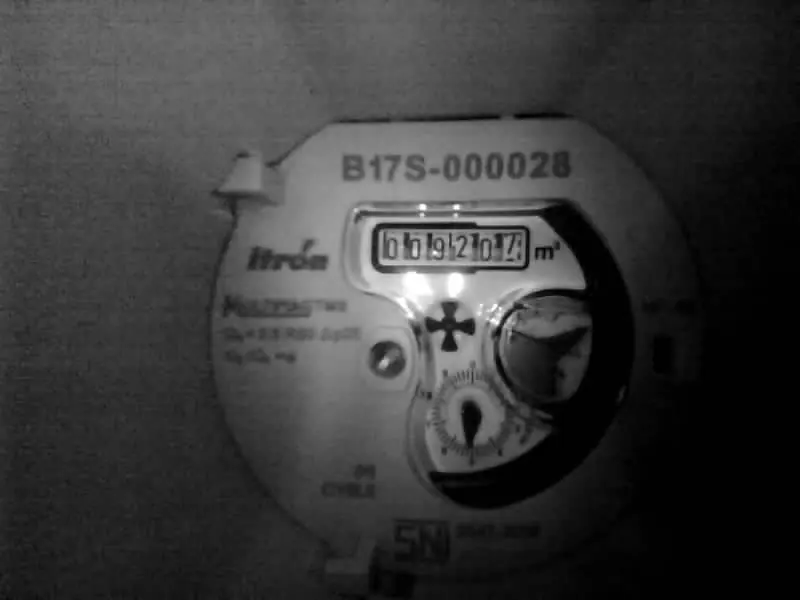
Median digit contrast rose from 104 to 117 to 129. Median brightness stayed about 106 to 108. Higher contrast improved tone separation while preserving grayscale.
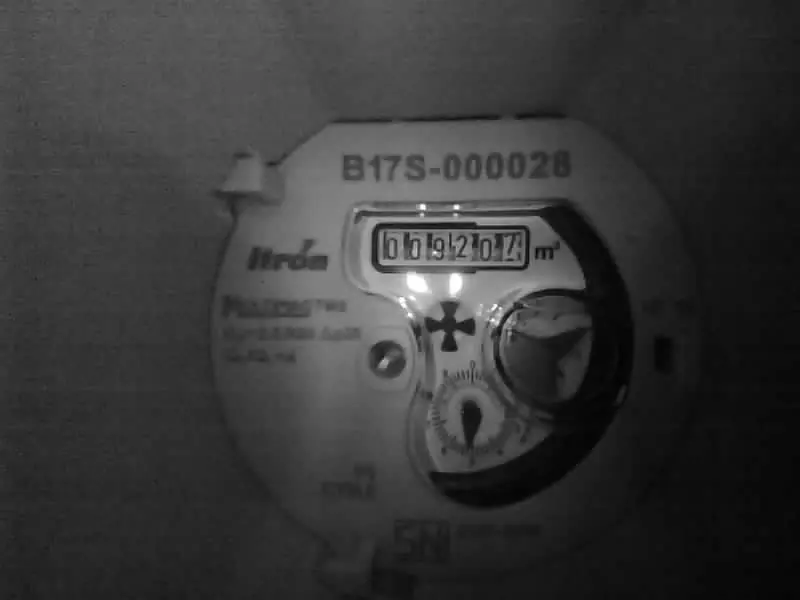
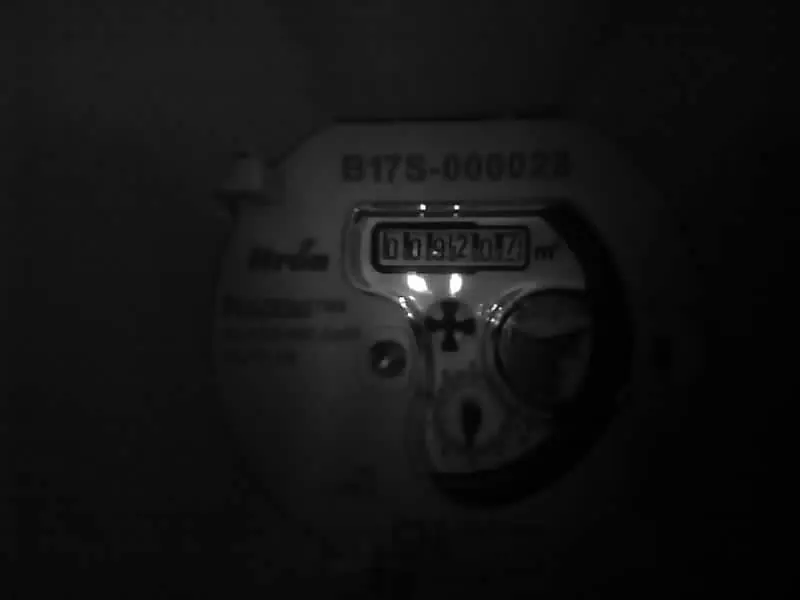
Turning gamma off reduced median digit brightness from 93 to 36 and contrast from 105 to 46. Gamma on retained more visible shadow detail.
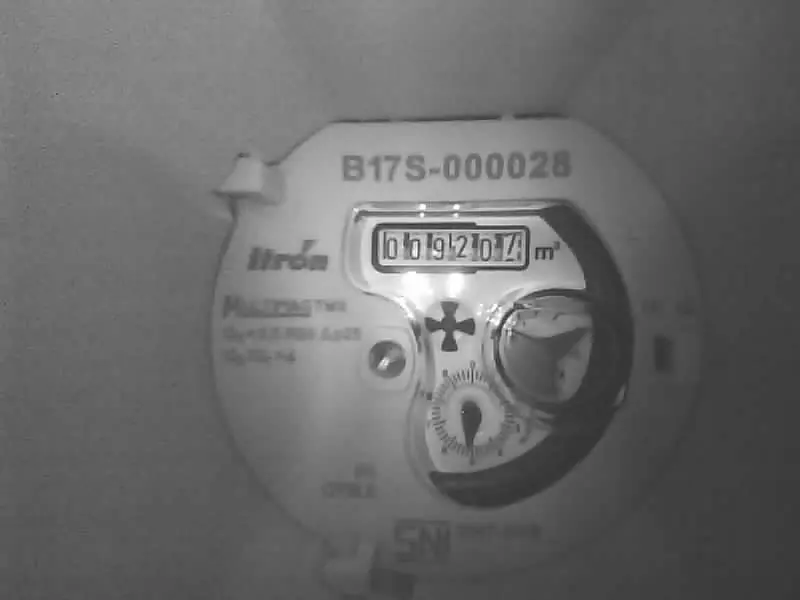
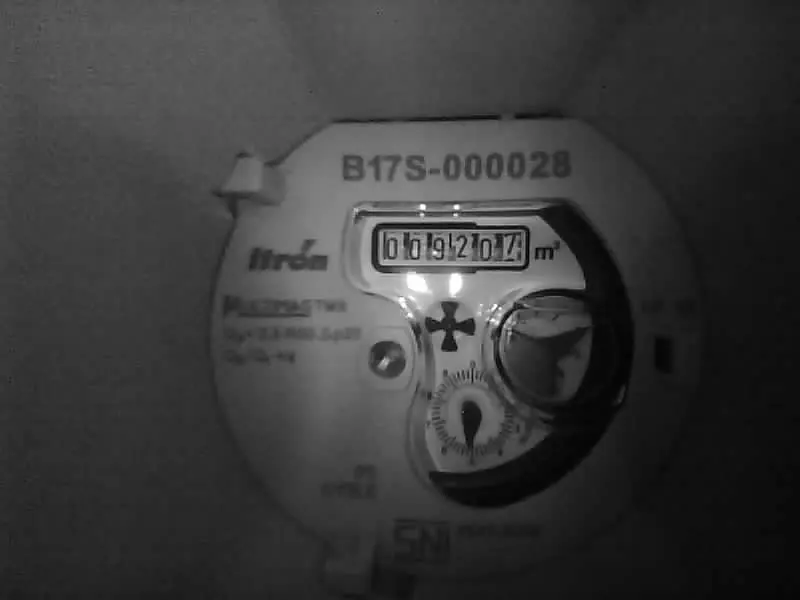
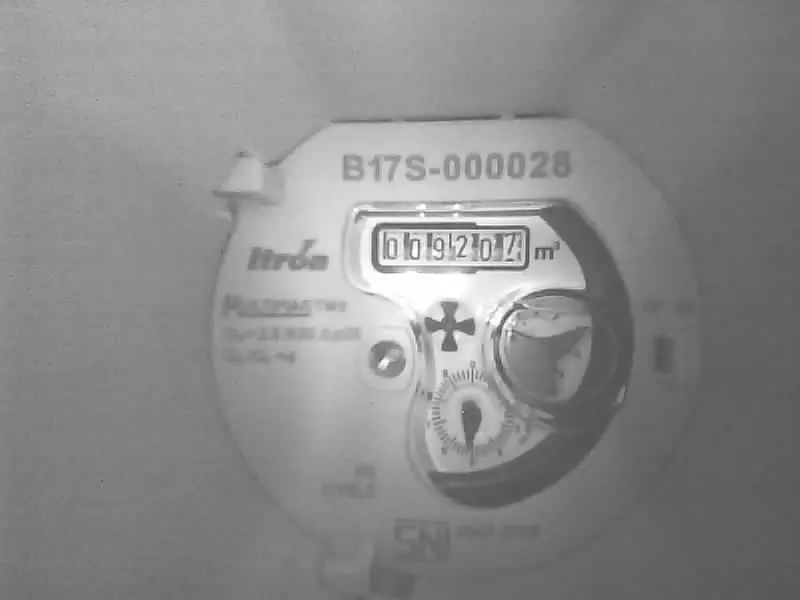
Median brightness was 144, 96 and 176 respectively. Both nonzero levels brightened this grayscale pipeline; −1 did not darken it. These control values are not a linear exposure scale.
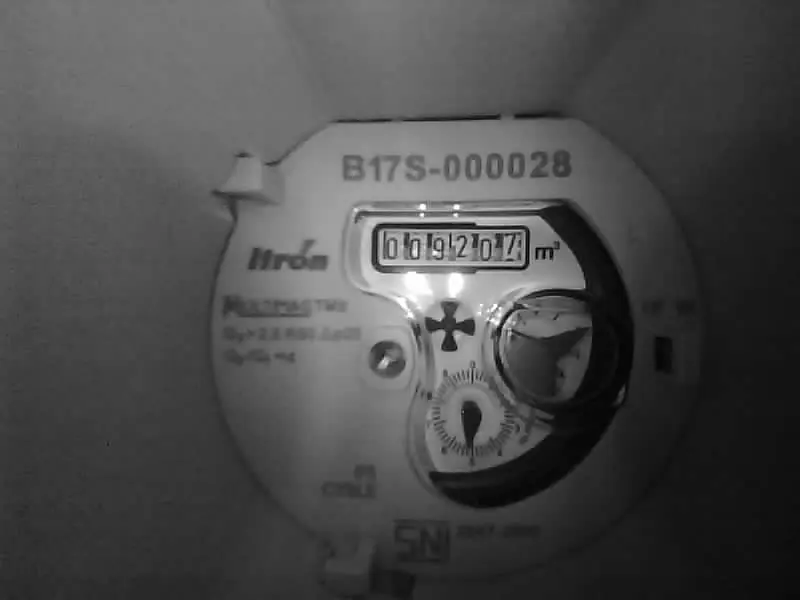
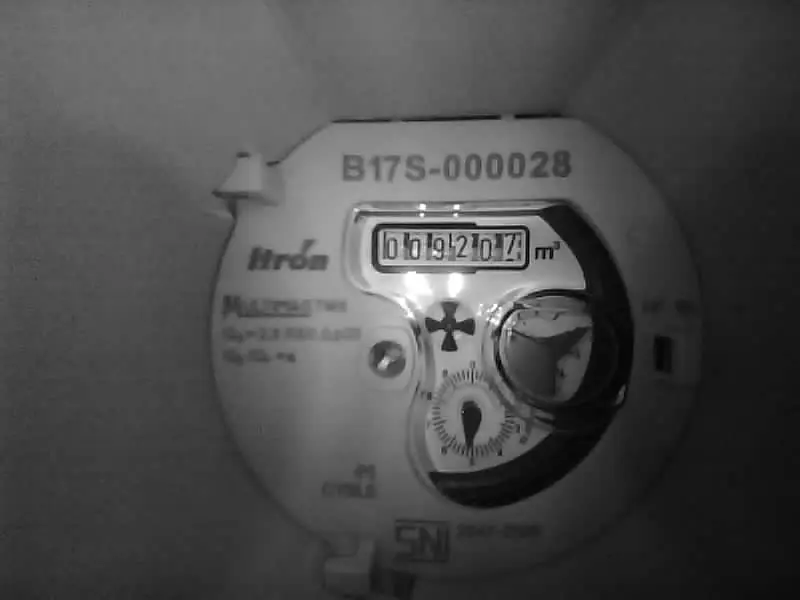
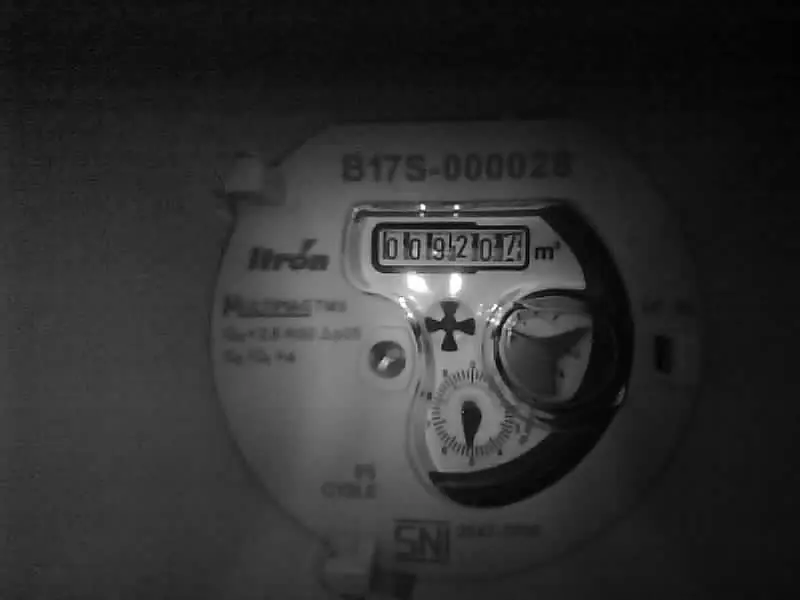
Median brightness stayed near 120. At 20 ms delay, estimated LED on-time fell from 62 to 47 ms, but the darkest repeat fell to 81 (0 ms minimum: 114). Zero delay was more consistent.
Camera calibration
With the help of an AI agent, I ran a test to find how each camera setting affects the image, aiming for a clean, acceptable image while minimising LED on-time and capture time. SVGA (800 × 600) sub-sampling was already the preferred resolution. The test covered exposure, gain, PWM duty cycle and frequency, pulse duration, contrast, raw gamma and LED start delay.
Digit mean is the average brightness in the digit region; contrast is its 90th to 10th percentile intensity range. Results apply to this fixed scene; OCR accuracy was not tested. All 165 retest images had identical red, green and blue channels.
Conclusion
Due to time constraints, the project stops as it currently is; many issues still need to be addressed before this could be a viable solution. The energy use of this meter has not been measured or tested for its rated 2-year life cycle, and as Prototype V2 stands I do not think that rating is possible: a third revision with more energy-saving components is needed before it is reasonable to start monitoring consumption. The firmware is close to my targeted level of efficiency.
The 56 % reading accuracy of DrumNet V10 is a far cry from the targeted 99 %. The primary bottleneck is WindowNet: most erroneous readings were caused by its inability to find the correct ROI. The readers also show signs of under-training; a meter they have not seen yields a low confidence, because the dataset was dominated by the 9 meters SimGen2 could generate. A more diverse and larger dataset could help both. The shell is much too bulky for a real deployment; the camera is the primary cause of the Z-height, so a shorter camera that is better at macro imaging needs to be selected, and weather sealing will need different materials and designs.
Much of this project was my first attempt at something new. I am not exactly satisfied with the outcome, but I am proud of the knowledge and experience I have gained, and grateful for the rare opportunity of time, resources and support to learn and experiment the way I do. Thank you to Mr Alex Oh (NYP) for his guidance, expertise and encouragement, to Mr Soh (NYP), without whom I would not have got the camera working, and to Mr Lee Chang Fatt (NYP) for the LoRaWAN gateway.
AI tools were used heavily in the development of this project. Most of the report was written by me in my own words, except for the introduction section and certain graphs; other AI use includes research, chart generation and data verification. This project scores a Level 3 on my scale of AI use.

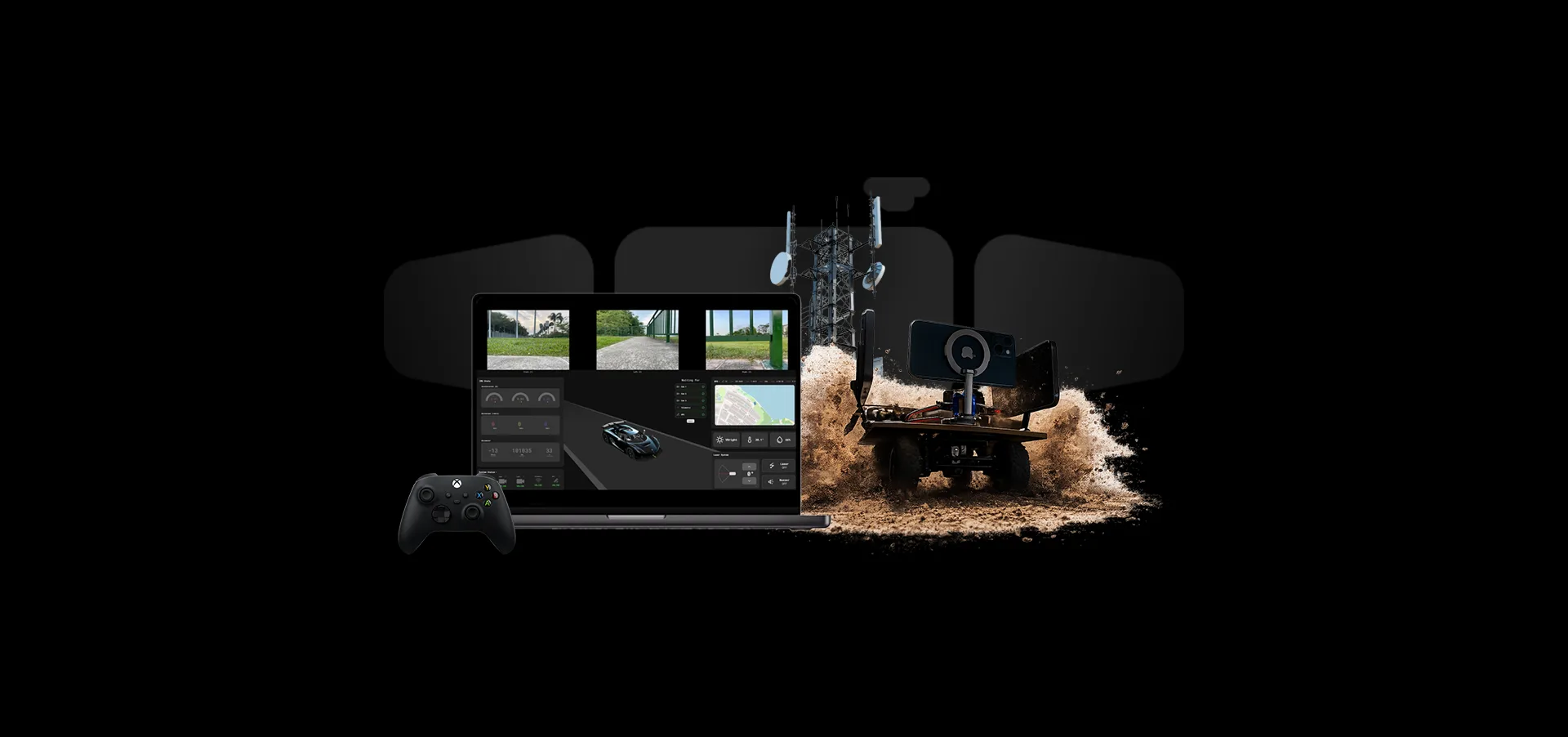
A 5G rover with three live camera feeds, GPS, a laser pointer and seven sensors, driven from a web console.
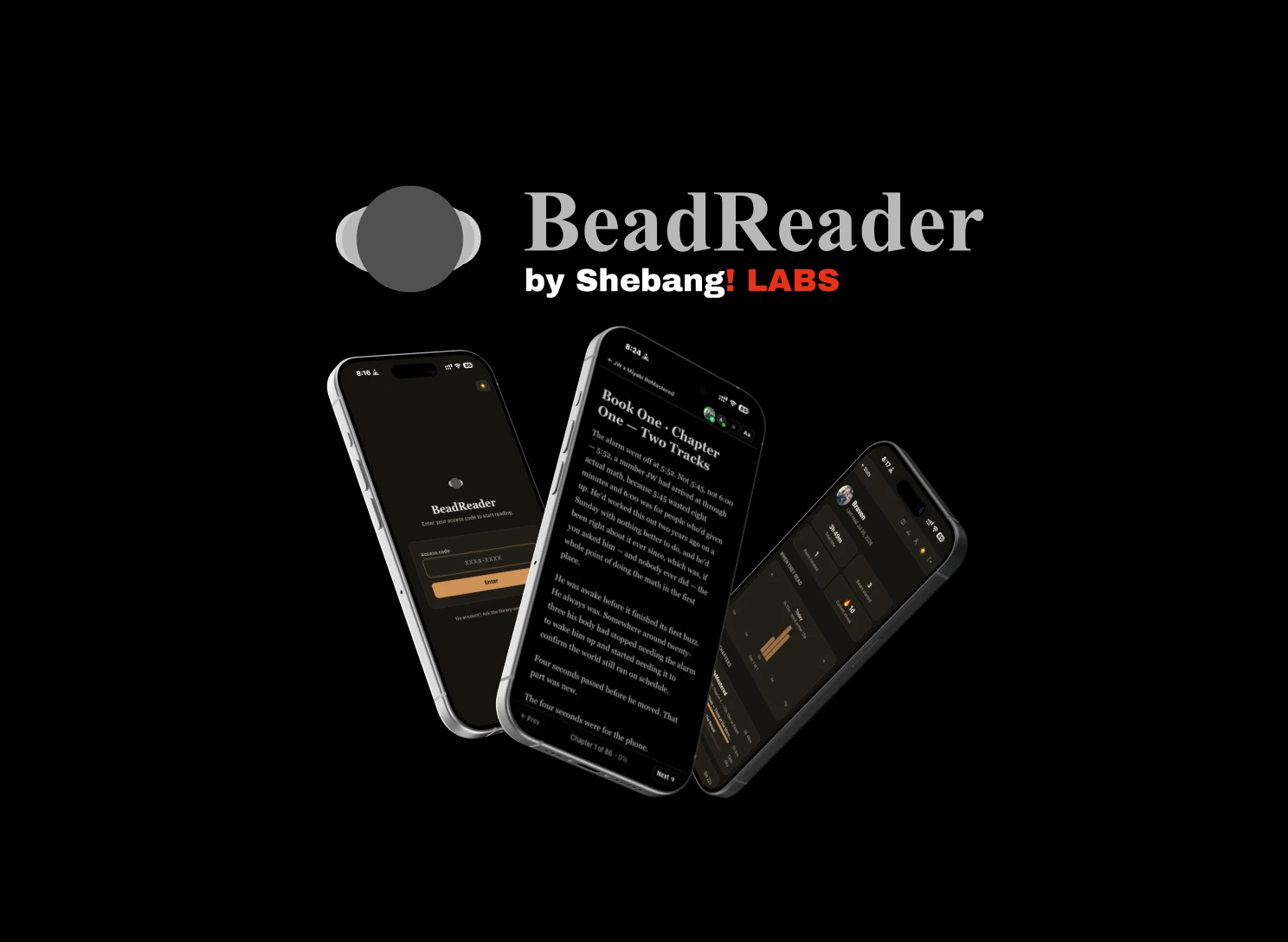
A private, invite-only online book reader with live presence, per-reader resume, a SQL-enforced content gate, webtoons and shared reading stats. Next.js and Supabase.
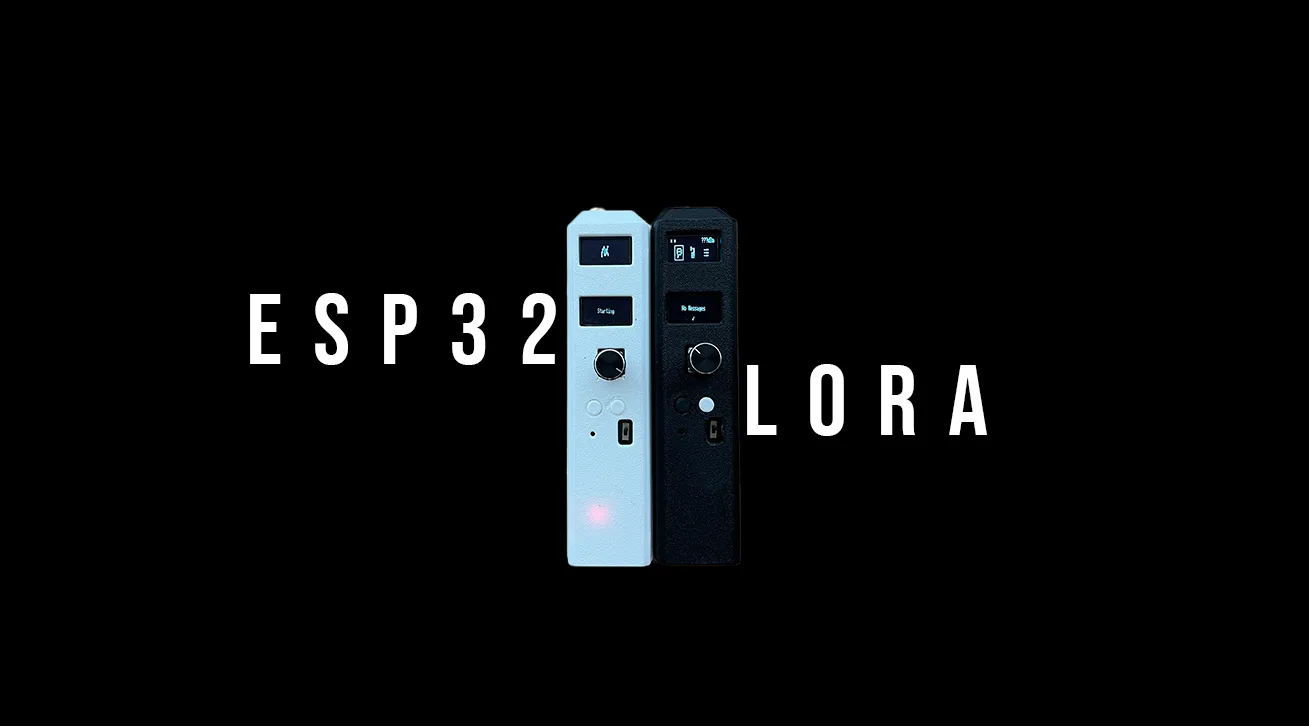
Two ESP32 handhelds: text over LoRa, rough two-way voice over ESP-NOW. My first PCB, in KiCAD, and a case in Onshape.