



A private reading room
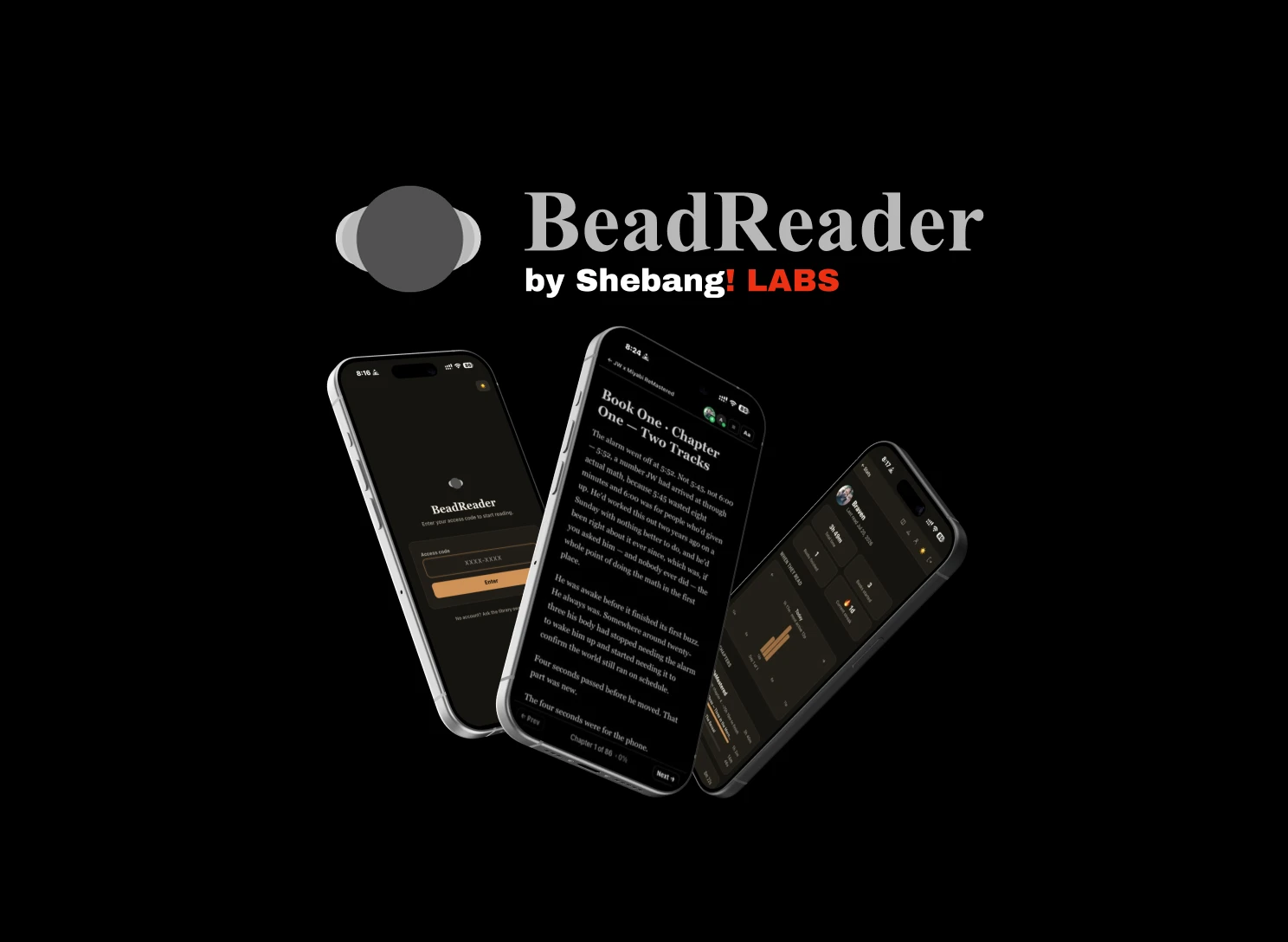
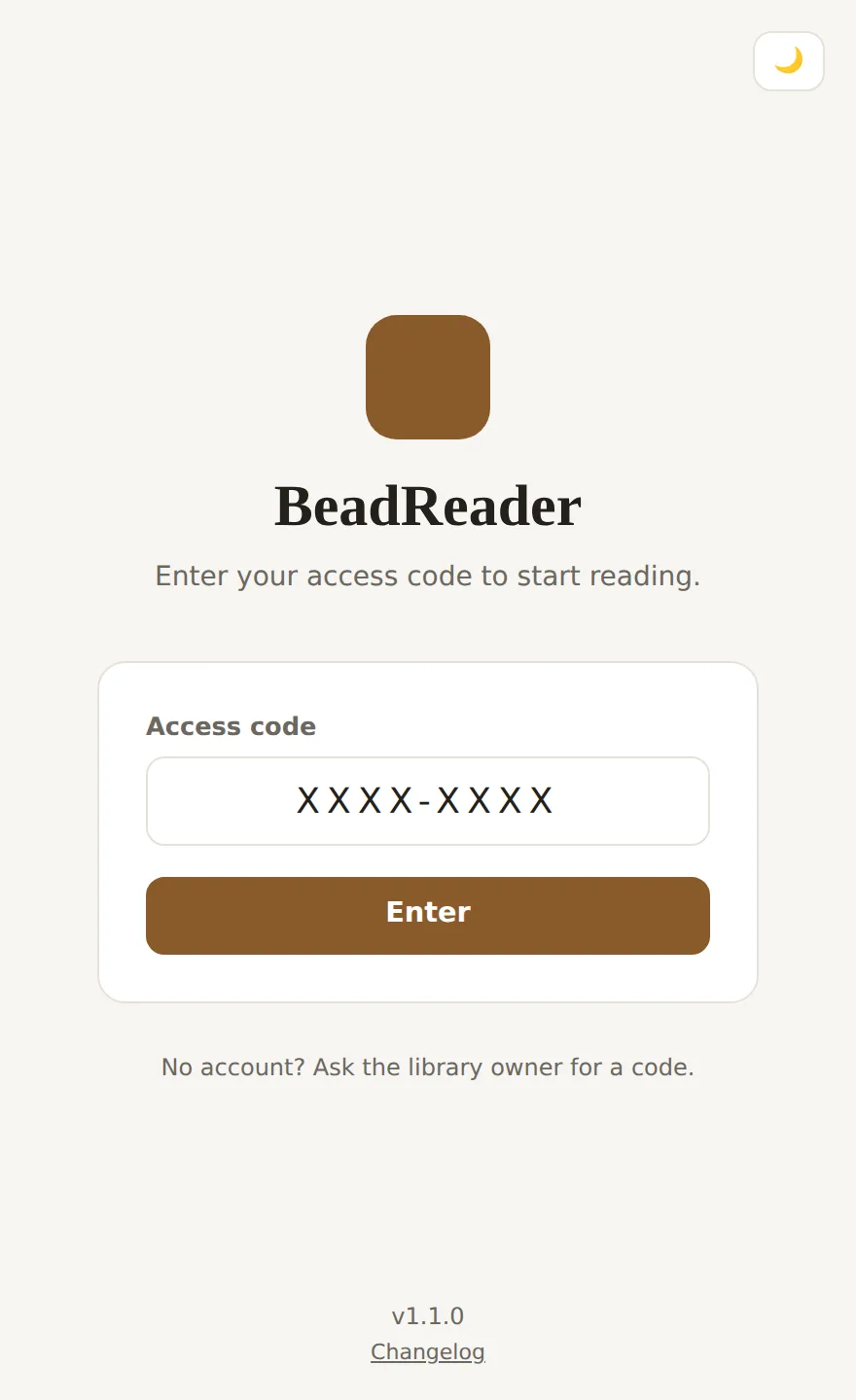
BeadReader is not a public product. It is a private library for one admin and a few readers. There are no passwords and no sign-up. One access code is your whole identity: it decides whether you are the admin or a reader, and whether you can see explicit chapters. Enter it once and a signed cookie keeps you logged in.
That single idea keeps the whole app small. The admin creates a reader, hands them a code out of band, and they are in. Revoke the code and they are out on their next request.
A library that remembers you
Open a book and it jumps straight back to the exact chapter and scroll position you last reached. Position is stored as a fraction of the chapter, not a pixel offset, so it survives even when you change the font size. Close mid-paragraph on your phone, pick up on a laptop, and you land in the same place.
Reading is yours to tune. Background and text colour, font size, and a scroll or paginated layout are all saved per reader. The contents page marks each chapter you have opened, shows a progress bar on the one in progress, and lets you quietly mark a chapter unread.
Reading together
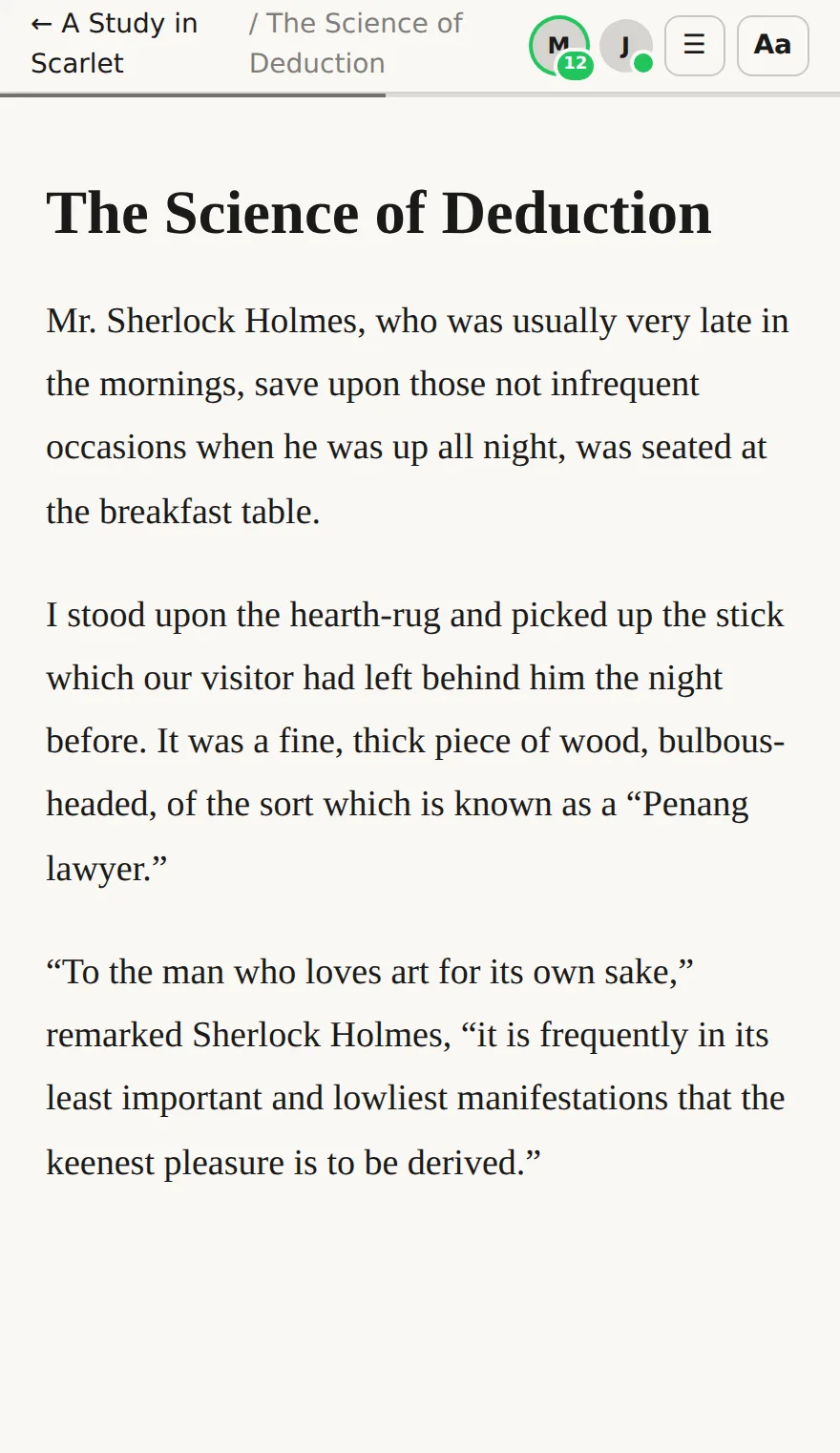
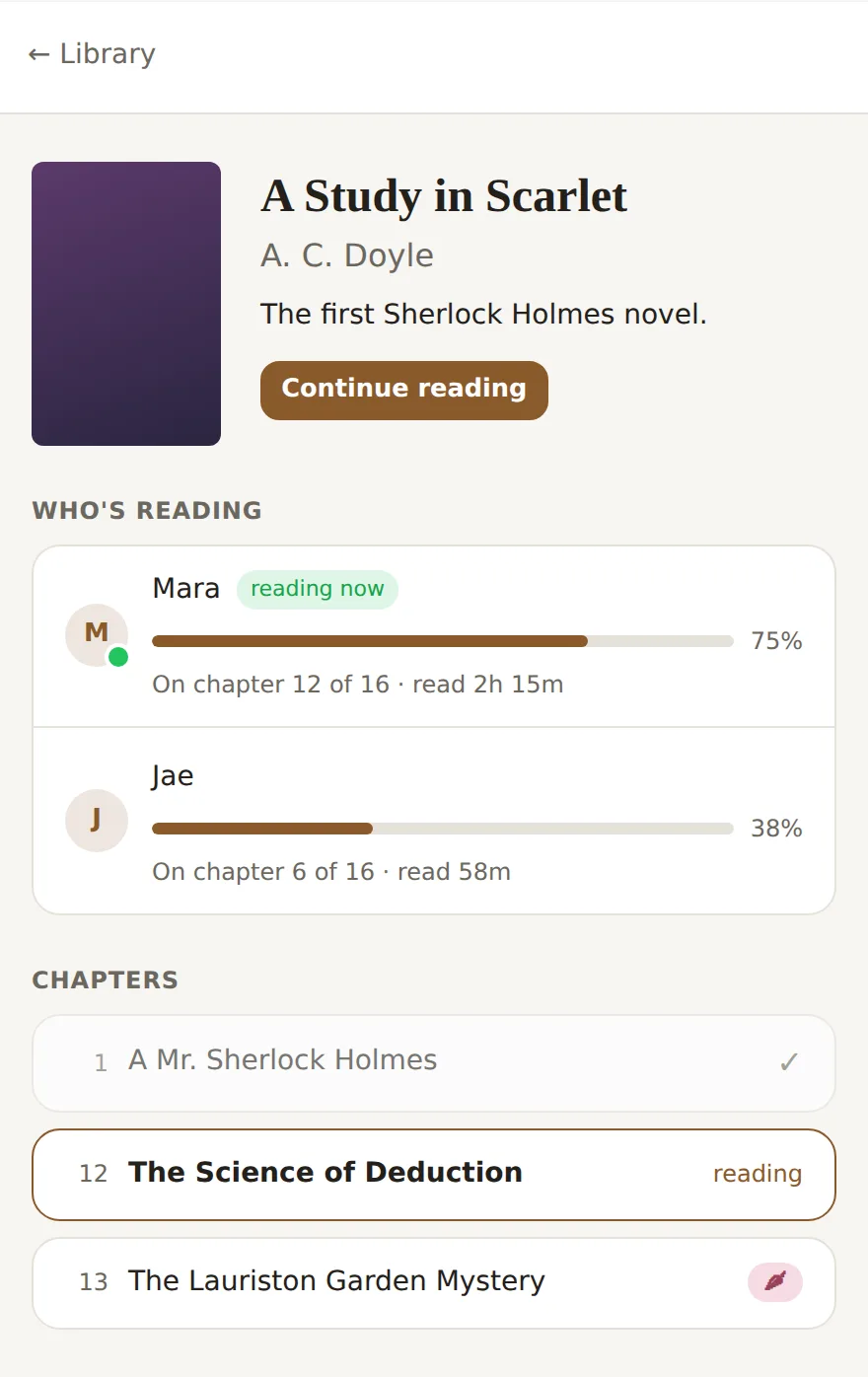
Reading here is quietly social. From the library you can see who else is online. Inside a book, a small cluster of avatars sits at the top, each with a green dot. If a friend is in the very same book, their avatar gains a green ring and a chapter number, so you can tell they are right there with you.
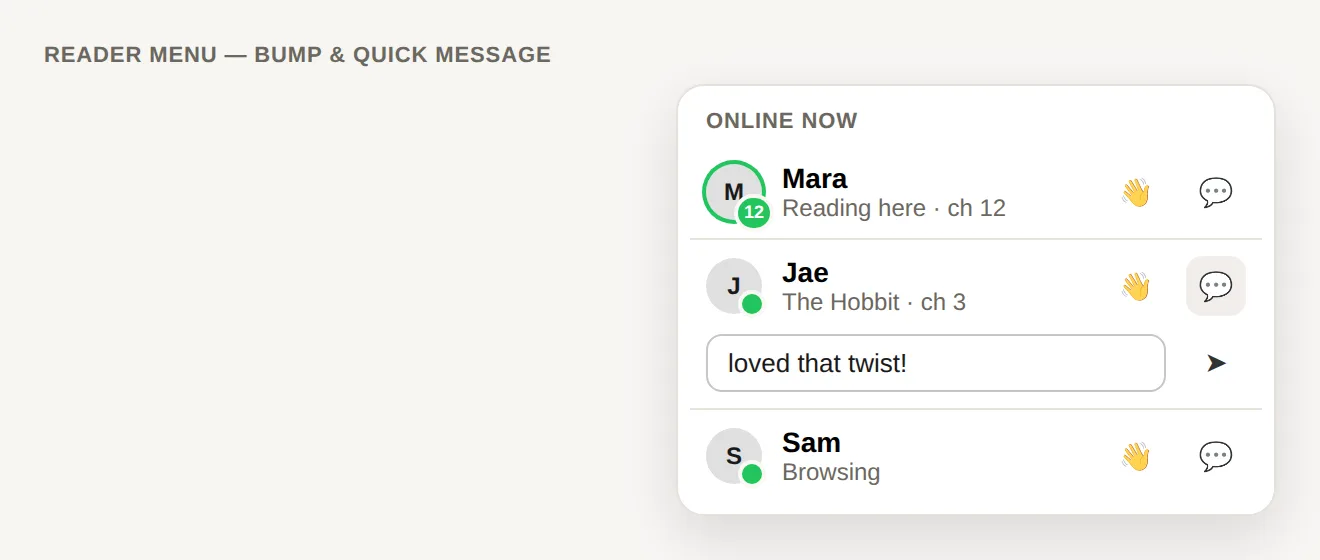
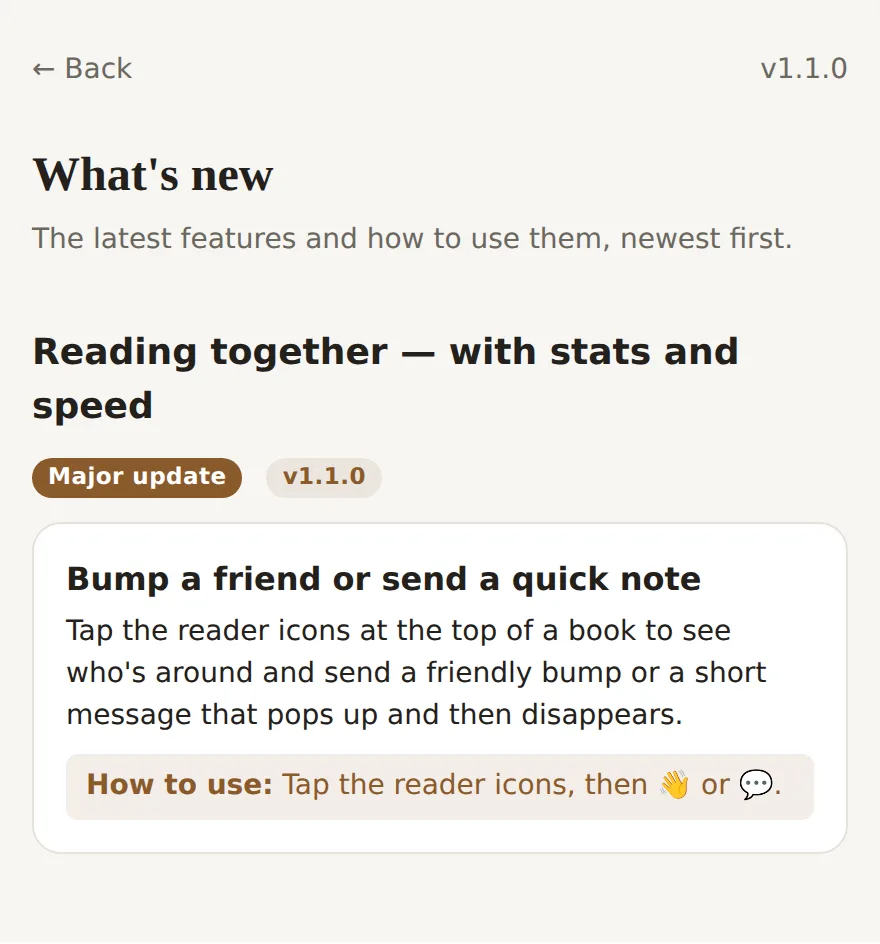
Tap the cluster and you can send a wave or a short note. These are ephemeral: they pop up on the other screen for a few seconds and then vanish, nothing is saved. Everyone can upload a profile photo, cropped and compressed in the browser, and anyone can flip a privacy toggle to read invisibly.
Mara is on chapter 12, right here in the same book as you.
The spicy gate
Some chapters, or even passages inside a chapter, are marked explicit. Access is per reader, and it is enforced in the database query itself. A reader without access never receives the gated text, not even hidden in the response, so it cannot be pulled out of the raw API. This is a real gate, not CSS.
The same chapter adapts to who is reading. A reader with access gets a blurred teaser that expands on a tap. A reader without access sees a small locked preview with a note to request it. A reader in cal mode sees the book with every explicit passage removed entirely, no markers and no pepper icon at all.
They had circled each other all evening. When the last guest finally left, the room went quiet.
Morning came far too soon.
Tap the blurred line and it clears. The reader has access.
Two kinds of book
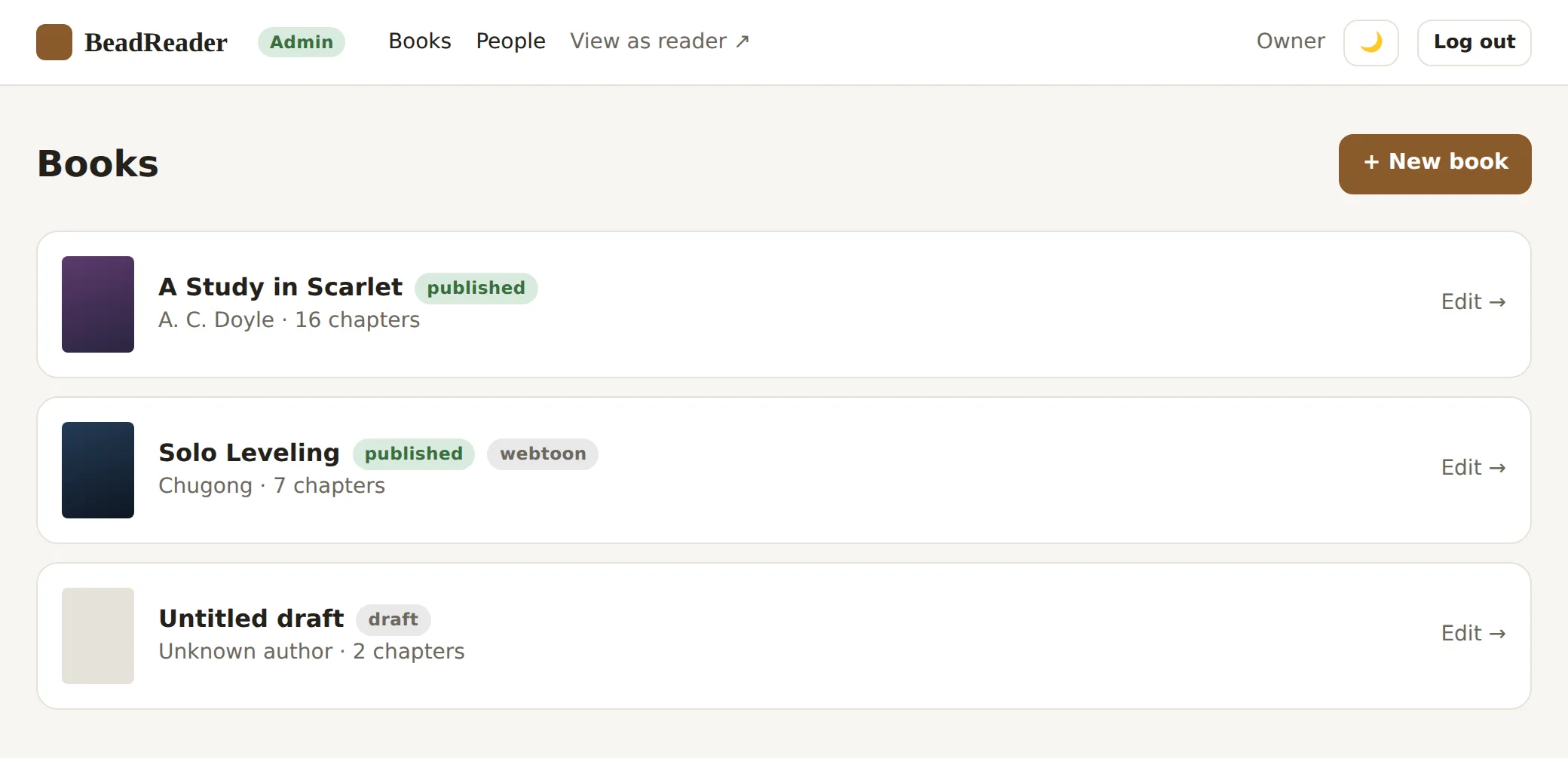
A book is either a text book or a webtoon, chosen once when it is created. Text books are written in Markdown with a live side-by-side preview, and each chapter has its own draft and published state.
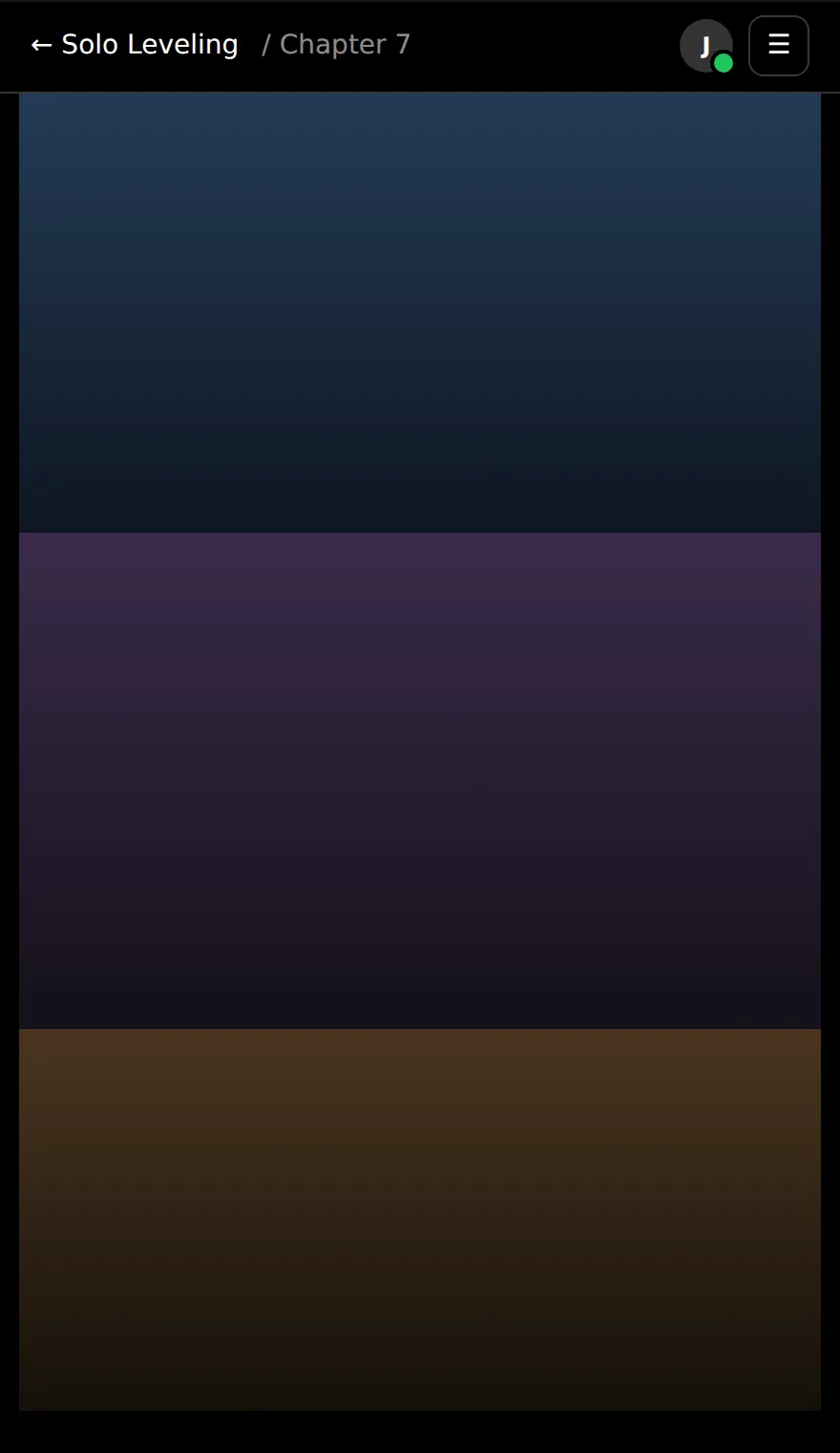
Webtoons are image-first. The admin points at a numbered image folder, previews its natural order, and uploads straight from the browser to Cloudflare R2 with short-lived signed URLs. Readers get a phone-friendly, gapless vertical strip with the same resume, tracking and gating as text.
Reading stats
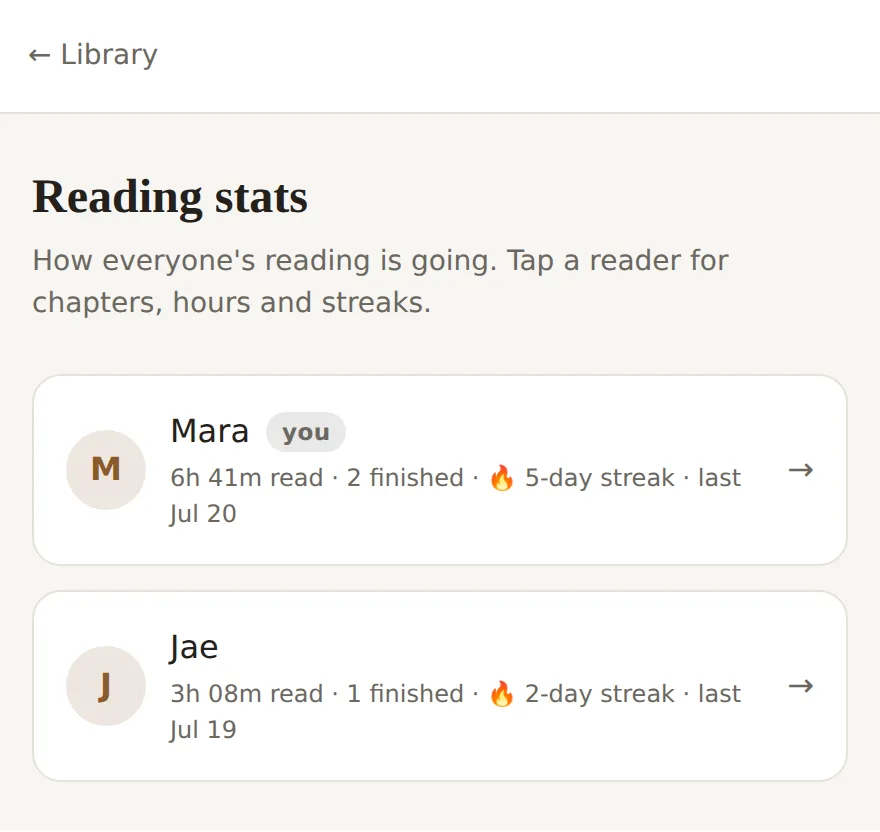
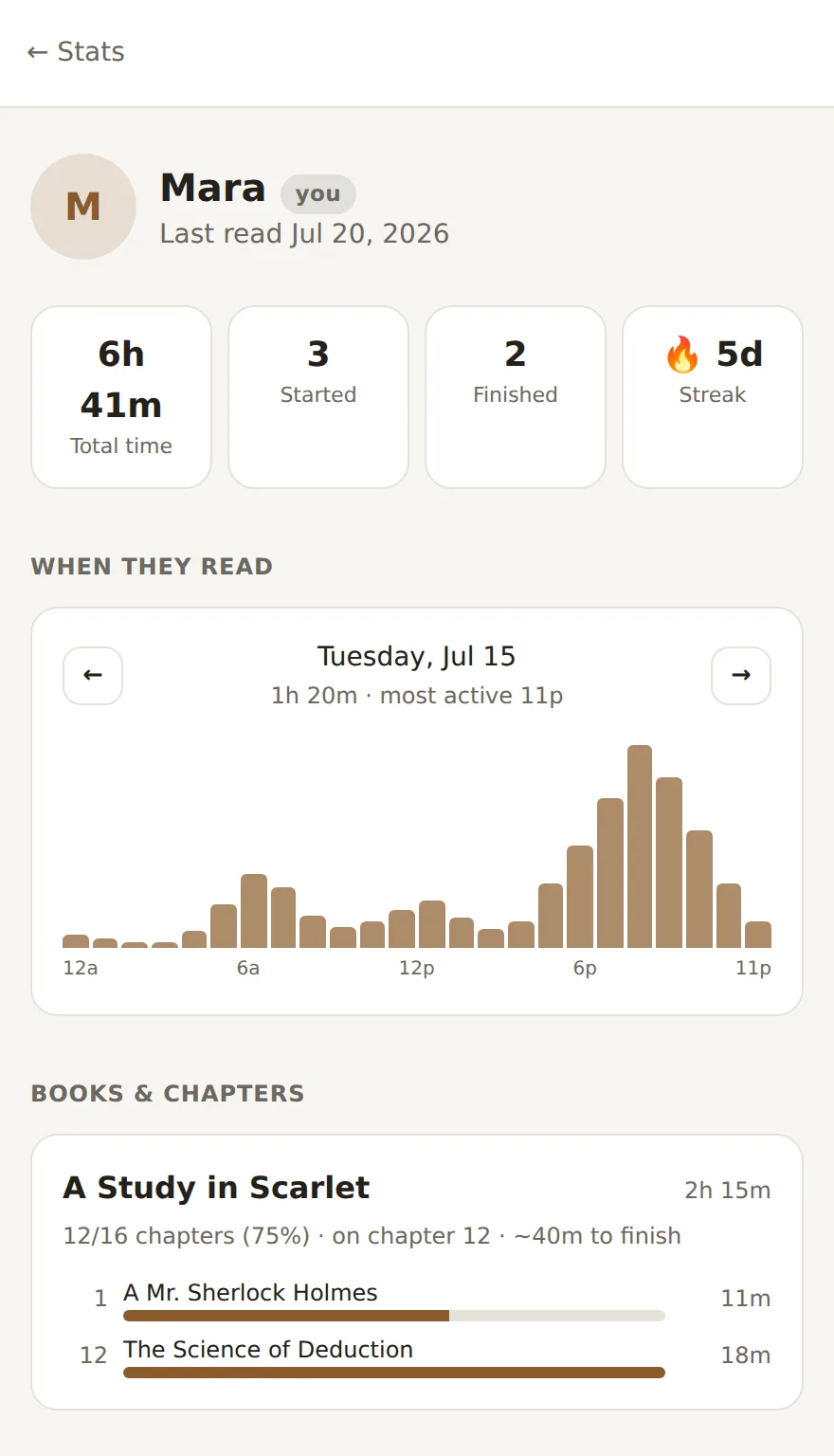
Every reader who shares their activity shows up in a common dashboard: total hours, books finished, and reading streaks. A histogram shows when in the day people read, scrolled day by day, and tapping a reader opens a per-book, per-chapter breakdown of where their time went.
Reading time is tracked only while you are actually reading. It pauses when the tab loses focus or you go idle, so the numbers mean something.
Built to feel instant
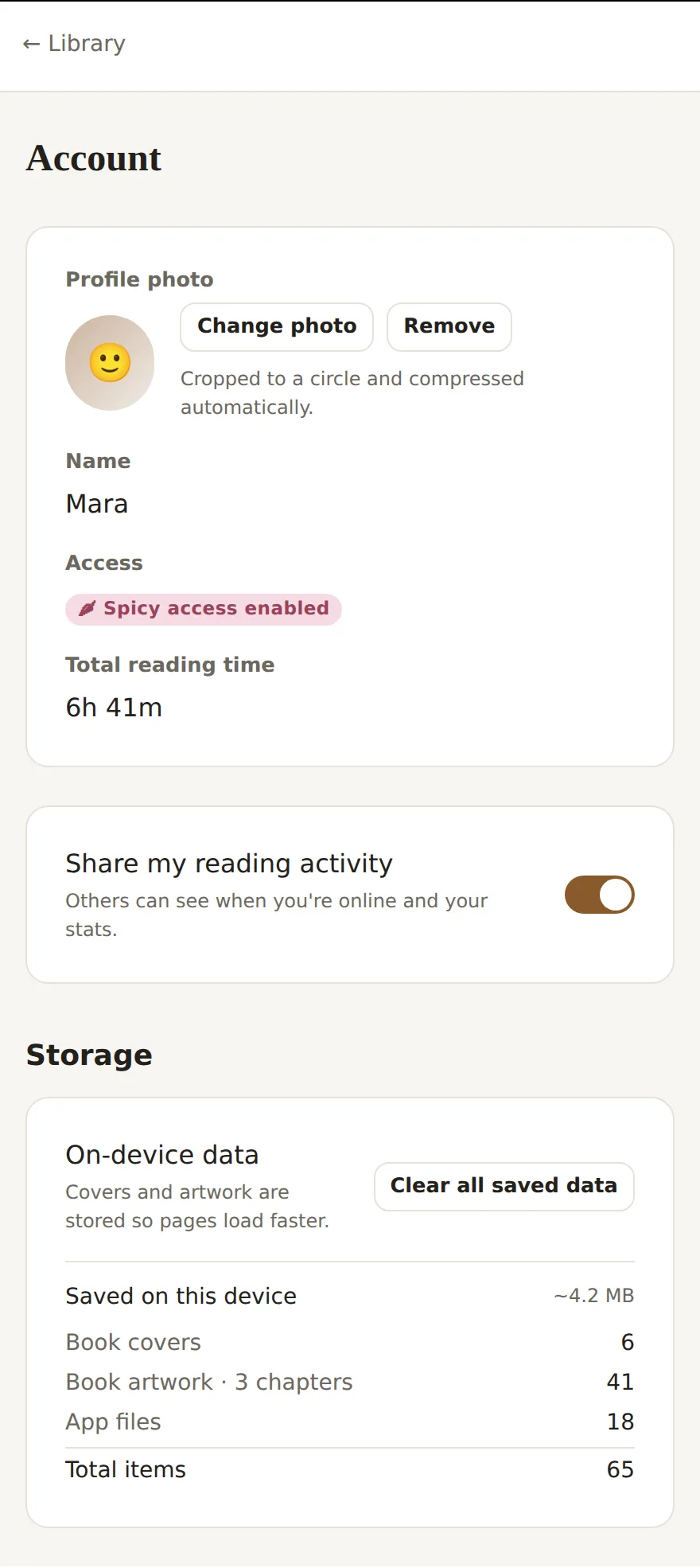
A service worker caches covers, artwork and static files on the device, never HTML or API responses, and the reader pre-loads the next chapter, so pages open fast and use less data. An Account page shows exactly what is cached and how much space it uses, with one button to clear it all.
The app updates itself gracefully. A public changelog and a once-per-version what's-new popup explain each new feature, and when a newer build ships a gentle refresh prompt appears, sourced from the deploy rather than the database.
How it fits
BeadReader is a Next.js App Router app with Tailwind CSS v4, backed by Supabase for Postgres and storage, plus Cloudflare R2 for webtoon images. Auth is custom: a short HMAC-signed cookie, not Supabase Auth.
Because auth is custom, all database access runs server-side with the Supabase service role. Every table has row-level security enabled with no policies, so the public key can read nothing directly, and the explicit-content gate lives inside the SQL query. A one-click Vercel deploy provisions Supabase through the integration and runs the migrations during the build, so the whole thing stands up from a single button.