




Promotional Video
Project Background
Pandus was the first major project I undertook as a first-year student at Nanyang Polytechnic. The assignment was open-ended with no specific theme, and we were provided with various components including an Arduino Uno, a 4G servo, LEDs, buttons, sliding switches, an infrared collision detection module, and a bundle of wires. Initially I planned to create a water dispenser, but after discovering that someone else had already chosen that idea, I decided to pivot and develop a syrup dispenser instead.
Design Process
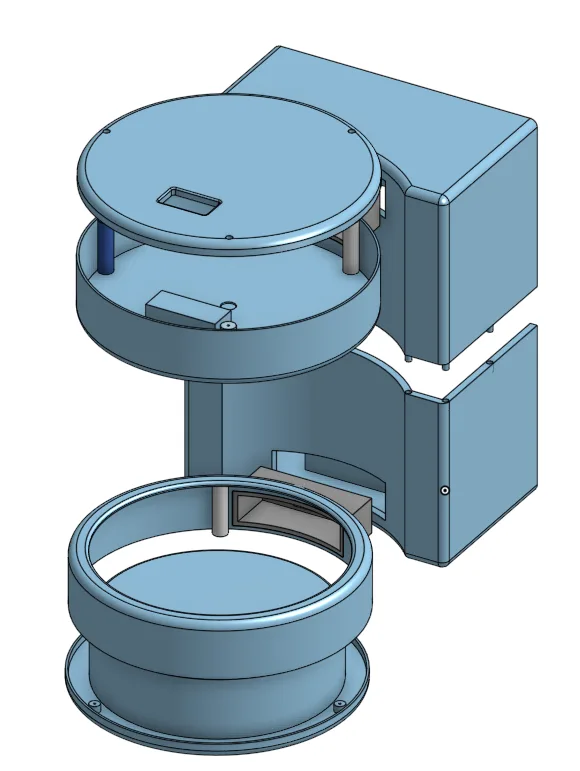
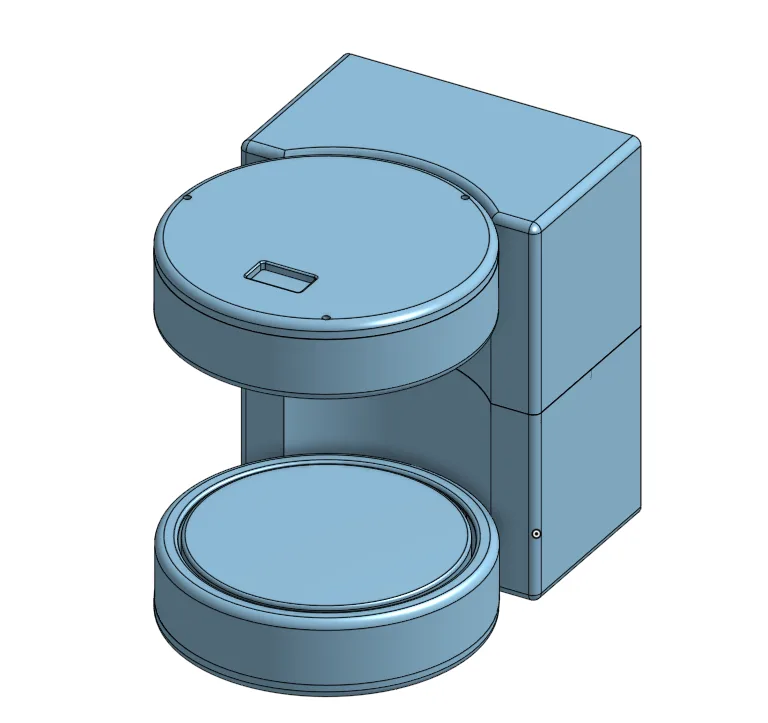
Pandus was designed using Onshape. With limited prior experience, I spent a significant amount of time learning how to use the software effectively. Eventually I created the final design shown below, which I chose to proceed with for the project. Due to time constraints, I was not able to create any prototypes beforehand, so I took a leap of faith and sent the design straight to the 3D printer. Fortunately, everything fit perfectly on the first try. You can view a live preview of the model on Onshape.
Control and Function
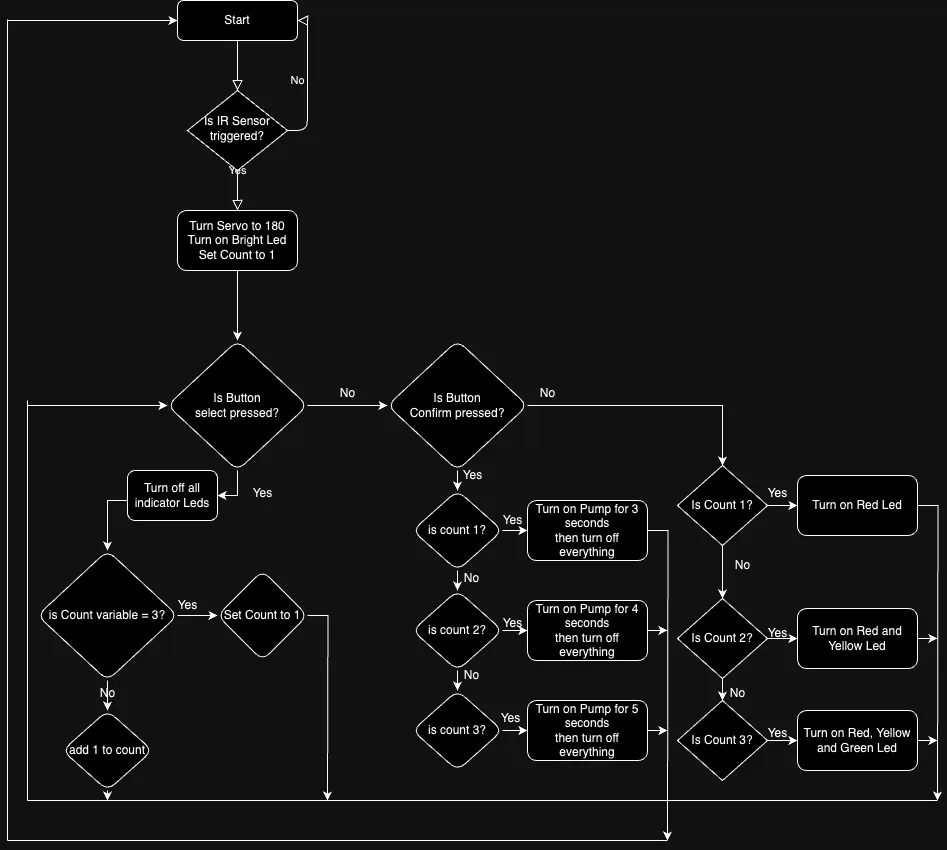
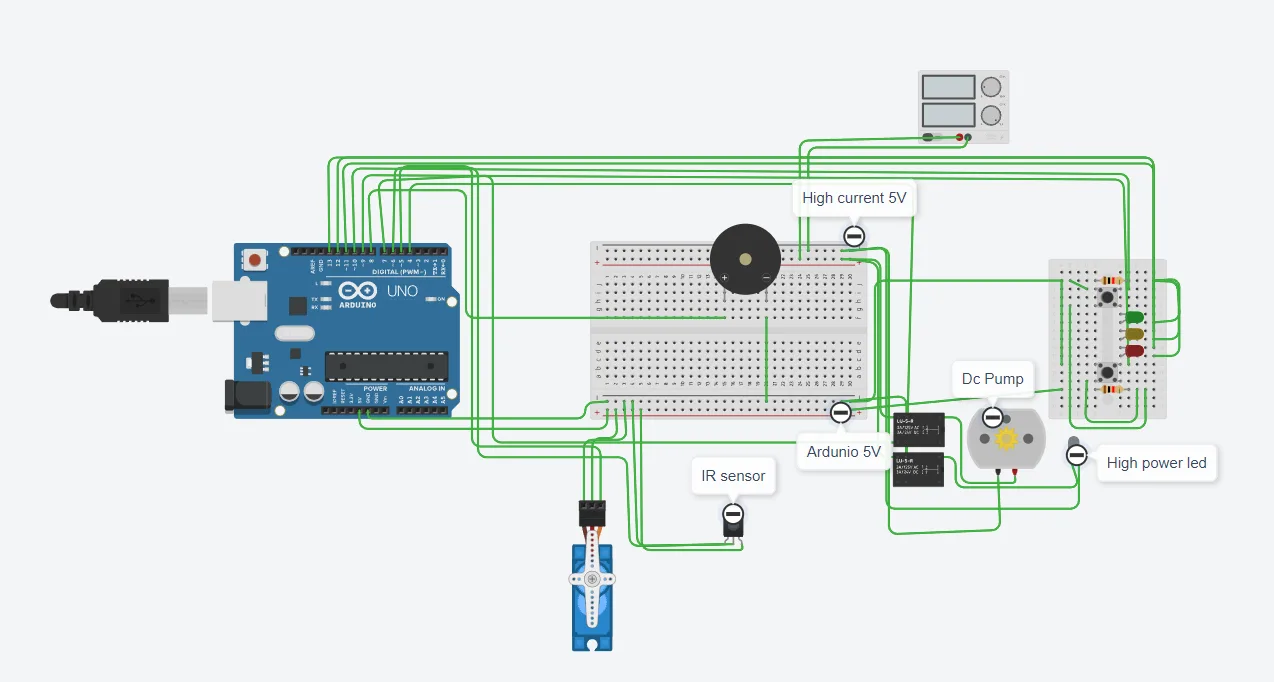
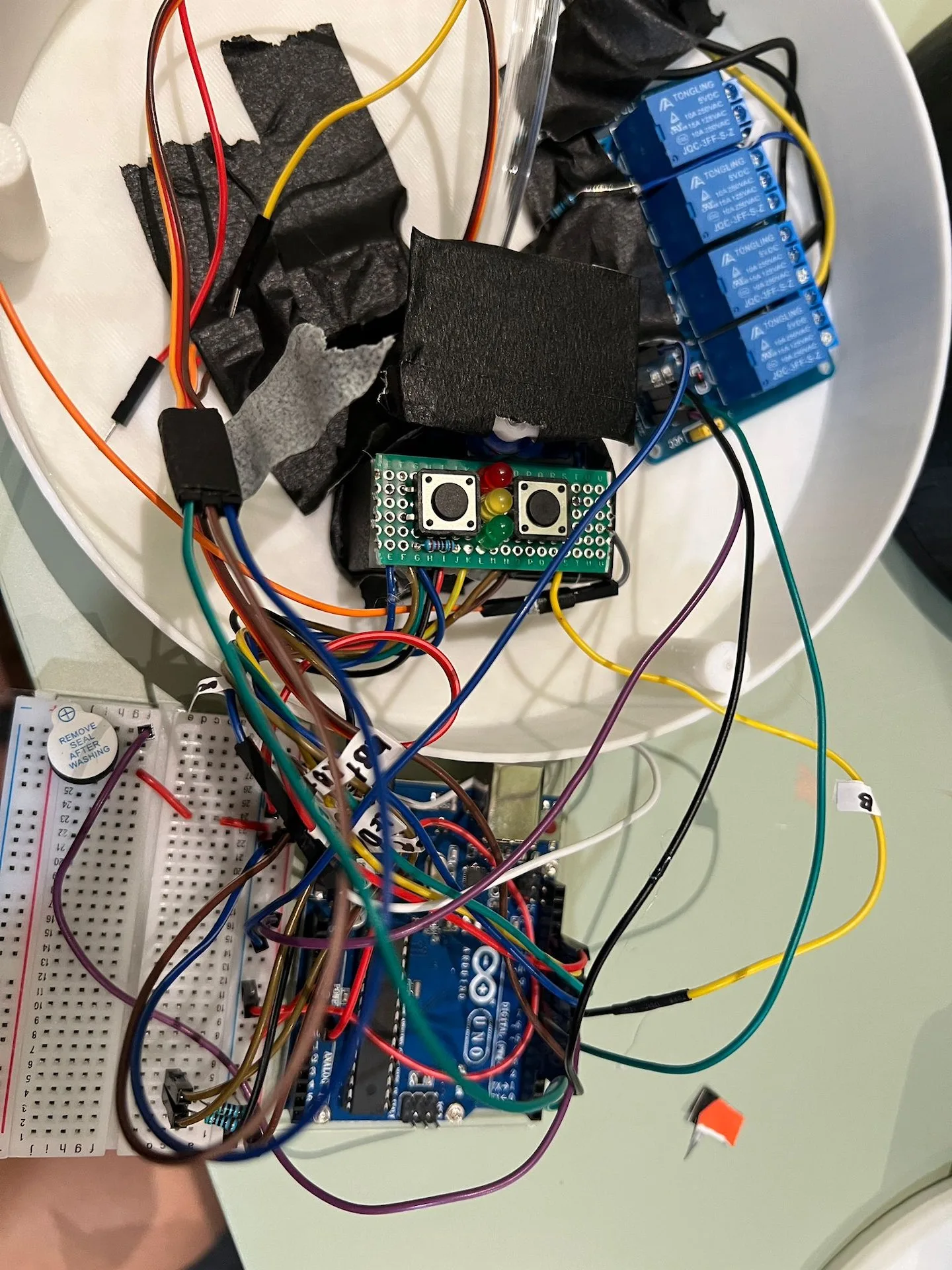
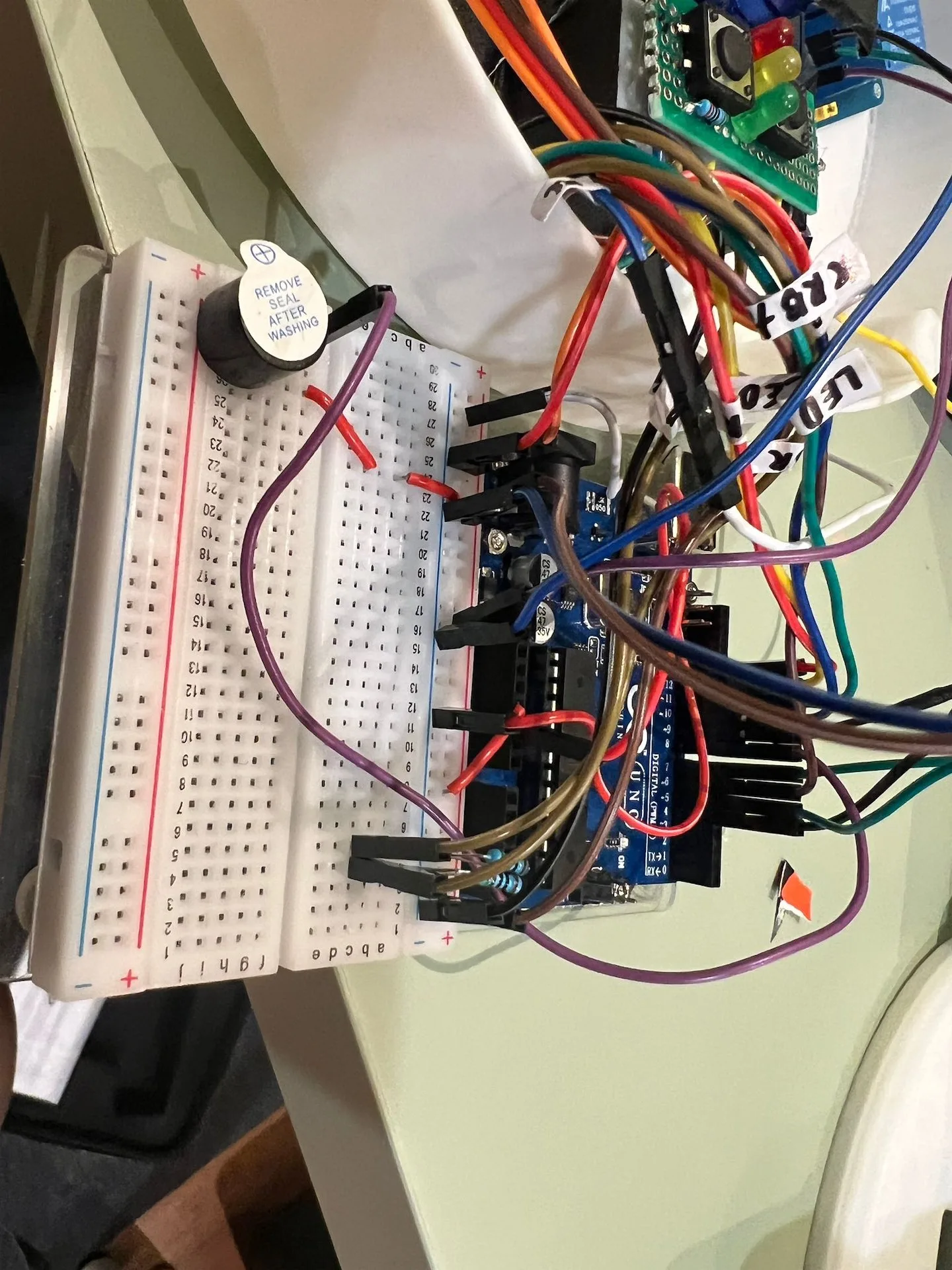
We were taught to code using Python and utilised the Firmata library to enable communication with the Arduino. Below are examples of the components and flowcharts illustrating how the system functioned. In addition to the components provided, I purchased high-powered LEDs, a DC pump, a relay board, and used a separate power bank to power the high-current components.
Here is roughly how a single dispense plays out, from the moment a cup approaches to the door swinging shut again. Pick a level to run it yourself, or let the demo cycle through all three on its own.
Resting. The IR distance sensor watches the space in front of the spout for an approaching cup.
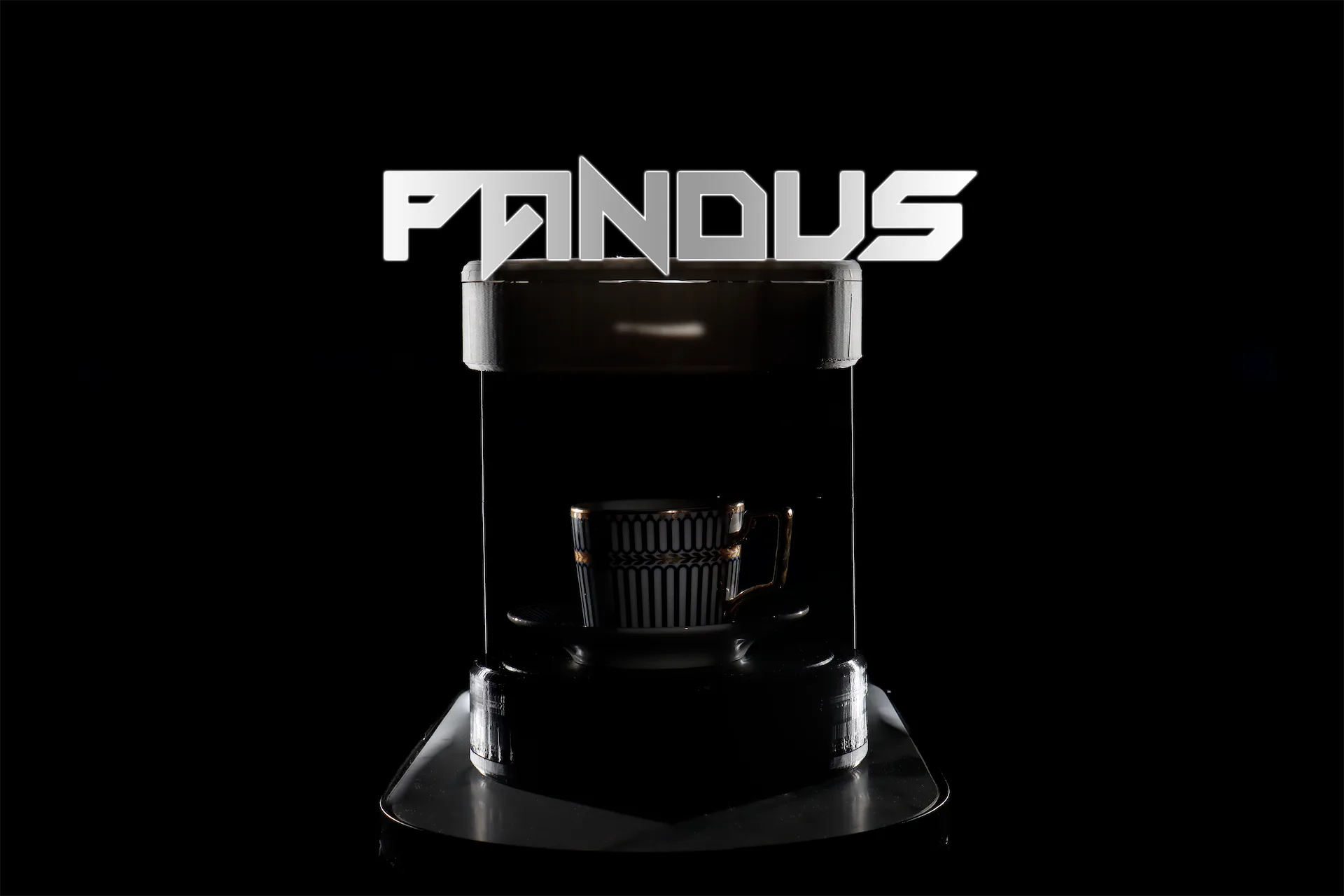
Cover Image
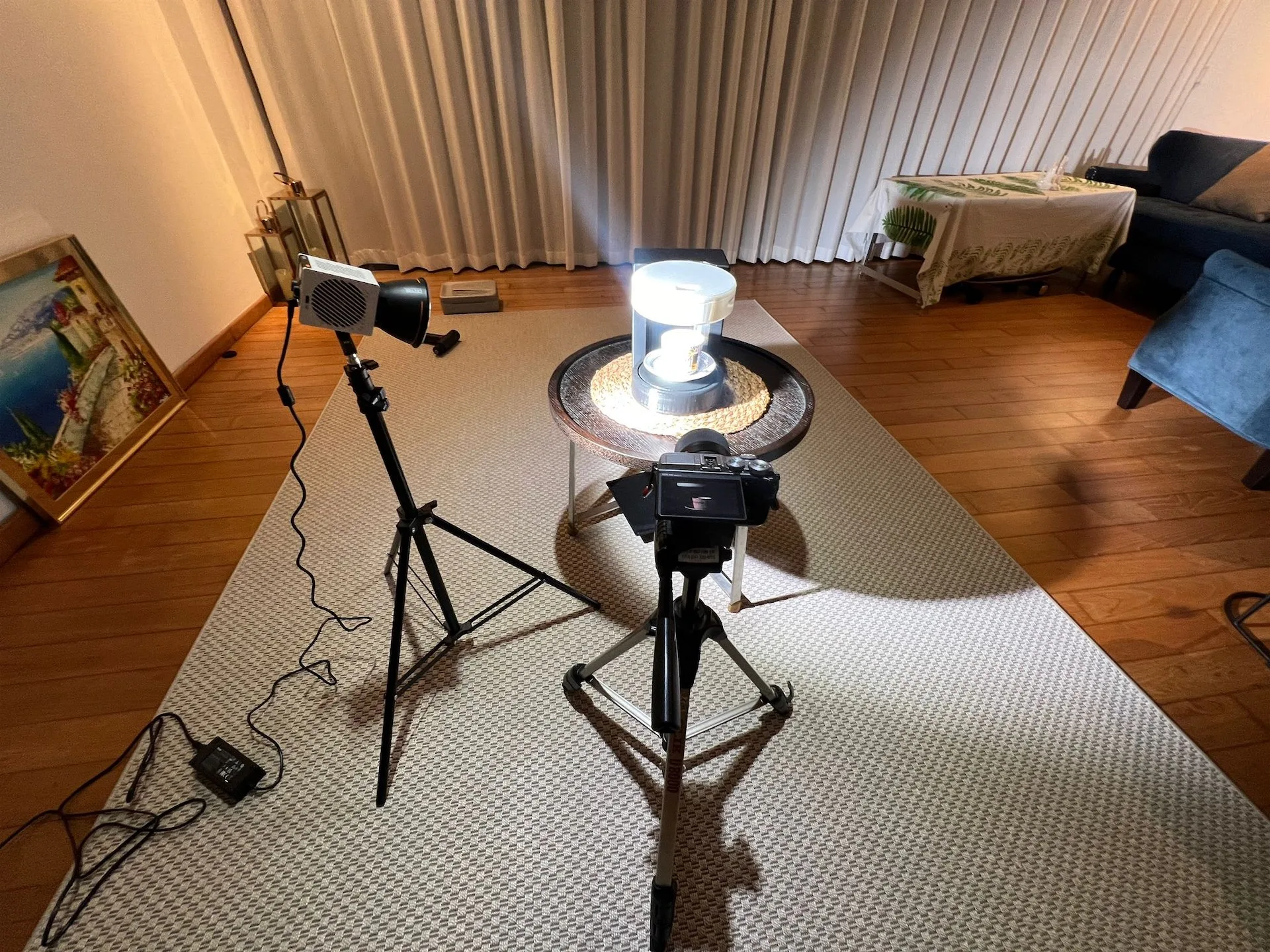
I was especially proud of how the cover image turned out. I captured four separate photos of Pandus under different lighting conditions and blended them together in Photoshop to create the final composition.